1
8.4.7 Data export interval data
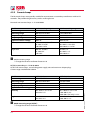
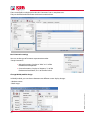
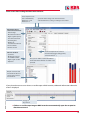
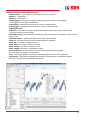
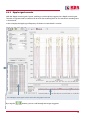
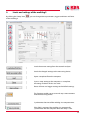
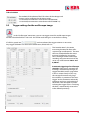
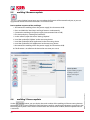
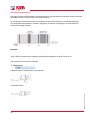
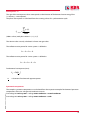
Under “Settings/Export,” it is possible to configure the general settings of the measured data export
function. The decimal separation sign has to be selected: a point for an English Windows system and
a comma for a German Windows system.
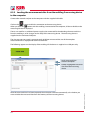
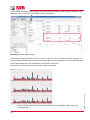
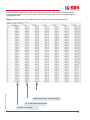
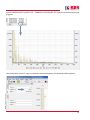
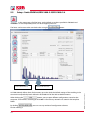
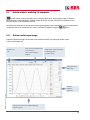
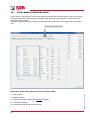
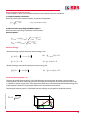
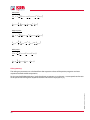
Under “Data/Export to CSV,” you can now export all the interval data of a measurement,
to open it in MS Excel, for example.
EDEBDA00140-2115-1_EN_multilog 2
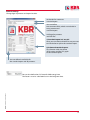
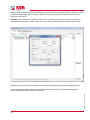
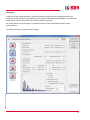
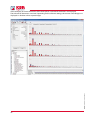
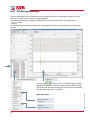
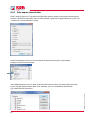
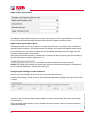
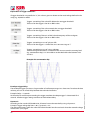
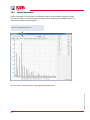
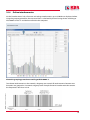
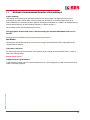
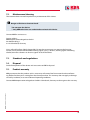
In the following menu, you can select all desired measurement values and export them into a file
by pressing the “Export” button. With “Save selection,” you can save different selection files
(e.g. export file of all harmonics).
62