1
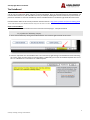
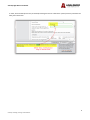
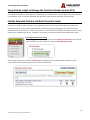
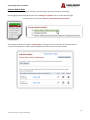
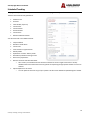
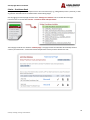
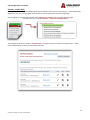
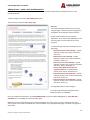
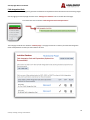
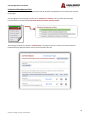
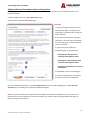
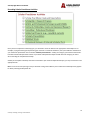
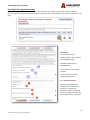
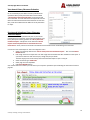
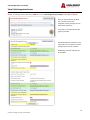
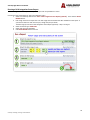
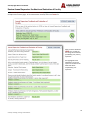
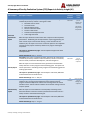
ActivityInsight Basic User Manual Adding Scholar-Practitioner Goals and Expectations Enter all goals and expectations related to the Scholar – Practitioner role that should inform an extended contract or rank promotion decision. To add a new goal click on the “ADD A NEW ITEM” button. The next screen is called the “Data Entry” page. Data Entry A. Start by entering the academic year for which the goals apply. Usually faculty are setting goals in anticipation of a coming year of data collection. B. Next choose a brief title for your goal or expectation. This is the title that will display on the summary page, so choose a label for your own reference. C. Classify the type of Scholar – Practitioner goal you are generating. Scholarship / Research in Progress Artistic and Professional Performances and Exhibits Contracts, Fellowships, Grants and Sponsored Research Consulting / Professional Workshops Intellectual Property (e.g., copyrights, patents) Scholarly Presentations Published Works D. If applicable, select a second category E. Provide a brief description of the goal so that others know what it is (required). Once you complete this information, click “SAVE AND RETURN” (if you are finished adding goals) or “SAVE AND ADD ANOTHER” (if you are adding other Scholar-Practitioner goals). Note: Once you have made positive progress toward completion of a scholarly product or prior to the generation of your activity report at the end of the academic year, enter the details on the appropriate web pages. For details, see page 31 of this manual. 21 Center for Teaching, Learning, and Assessment