1
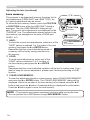
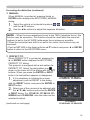
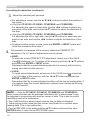
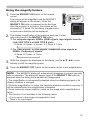
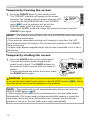
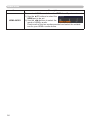
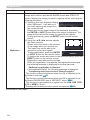
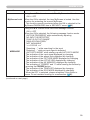
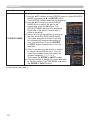
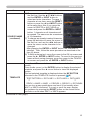
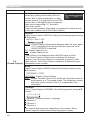
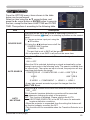
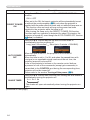
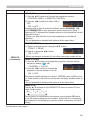
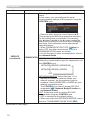
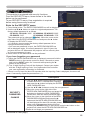
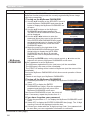
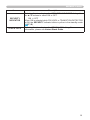
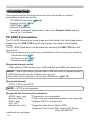
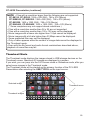
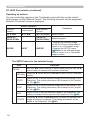
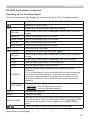
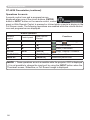
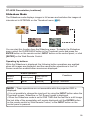
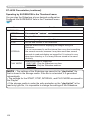
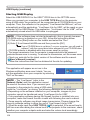
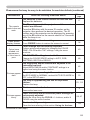
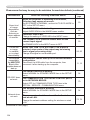
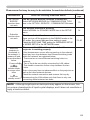
Presentation tools USB Display (continued) Starting USB Display Select the USB DISPLAY for the USB TYPE B item in the OPTION menu. When you connect your computer to the USB TYPE B port on the projector using a USB cable, the projector will be recognized as a CD-ROM drive on your computer. Then, the software in the projector, “LiveViewerLiteUSB.exe”, will run automatically and the application, “LiveViewer Lite for USB”, will be ready on your computer for the USB Display. The application, “LiveViewer Lite for USB”, will be automatically closed when the USB cable is unplugged. NOTE • If the software does not start automatically (this is typically because CD-ROM autorun is disabled on your OS), follow the instructions below. (1) Click on the [Start] button on the toolbar and select the “Run” (2) Enter F:\LiveViewerLiteUSB.exe and then press the [OK] If your CD-ROM drive is not drive F on your computer, you will need to replace F with the correct drive letter assigned to your CD-ROM drive. • CD-ROM autorun is disabled while the screen saver is running. • The image transmission from the computer is suspended while the passwordprotected screen saver is running. To resume the transmission, exit the screen saver. • Check our web site for the latest version of the software and its manual. (&User's Manual (concise)) Follow the instructions that can be obtained at the site for updating. This application will appear as an icon in the Windows notification area once it starts. You can quit the application from your computer by selecting “Quit” on the menu. NOTE • The “LiveViewer” (refer to the Network Guide) and this application cannot be used at the same time. If you connect your computer to the projector by using a USB cable while the “LiveViewer” is running, the following message will be displayed. • Depending on the software installed on your computer, images on your computer cannot be transferred using “LiveViewer Lite for USB”. • If any application software having the firewall function is installed into your computer, make the firewall function invalid with following the user's manual. • Some security software may block image transmission. Please change the security software setting to allow the use of “LiveViewer Lite for USB”. • When the audio input from USB TYPE B (55) is selected, if the sound level is still low even after raising the volume level in the projector to the maximum, check whether your computer outputs audio and raise the volume level accordingly. 108