1
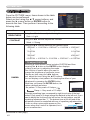
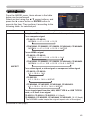
SECURITY menu
Item
Description
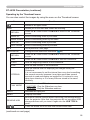
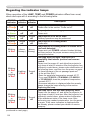
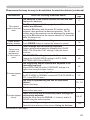
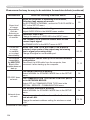
MULTI PC
MODE
(continued)
PRESENTATION
(continued)
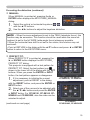
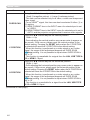
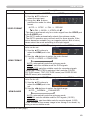
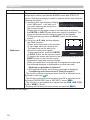
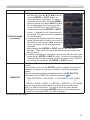
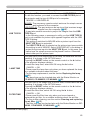
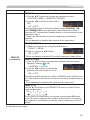
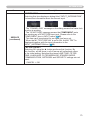
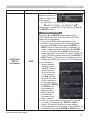
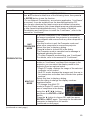
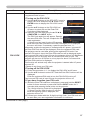
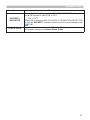
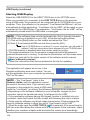
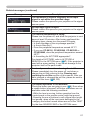
• To change from Single PC mode to Multi PC mode,
press ► button to choose OK in the dialog and press
the ENTER or INPUT button.
The display mode is changed.
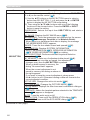
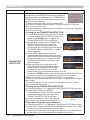
• For details on how to switch the display mode to Multi
PC mode on your computer, refer to the manual for
“LiveViwer”.
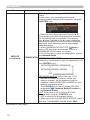
• The Presenter mode setting of the selected
computer becomes valid when the display mode is
changed to Single PC mode.
Also, the Presenter mode setting
becomes invalid when the
display mode is changed to Multi
PC mode, regardless the setting
on the computers.
For details, refer to the manual for “LiveViewer”.
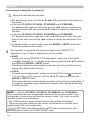
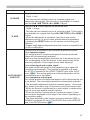
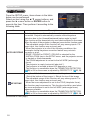
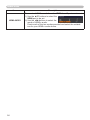
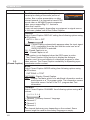
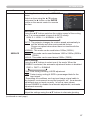
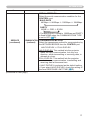
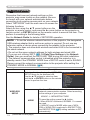
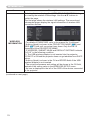
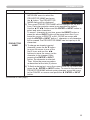
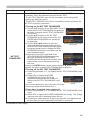
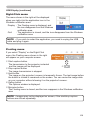
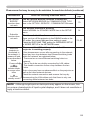
Selecting this item displays the user name. This
function helps you identify from which computer the
DISPLAY
current image is sent.
USER NAME • You can set a user name for each computer on
“LiveViwer”. For details, refer to the manual for
“LiveViewer”.
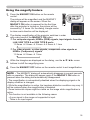
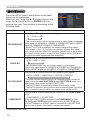
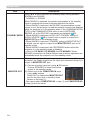
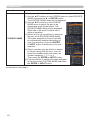
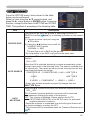
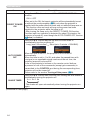
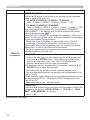
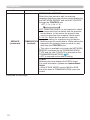
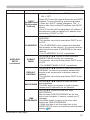
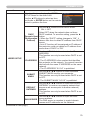
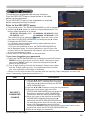
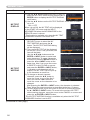
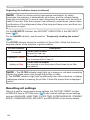
Executing this item restarts and initializes the network functions.
Choose the NETWORK RESTART EXECUTE using the button ►.
SERVICE
Then use the button ► to execute.
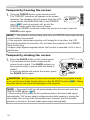
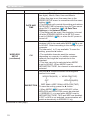
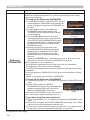
Network will be once cut off when choose restart.
If DHCP is selected on, IP address may be changed.
After selecting NETWORK RESTART EXECUTE, NETWORK menu
may not be controlled approx. 30 seconds.
84