1
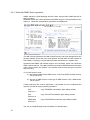
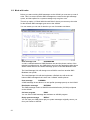
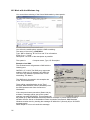
4.4. Work with messages.
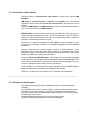
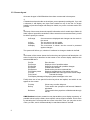
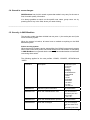
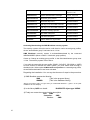
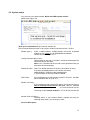
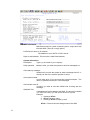
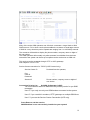
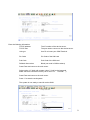
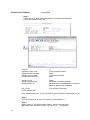
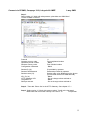
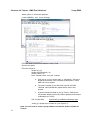
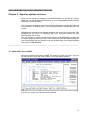
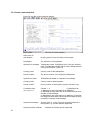
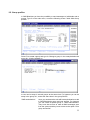
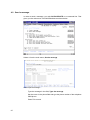
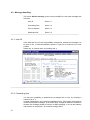
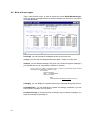
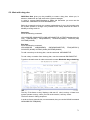
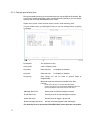
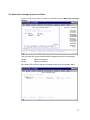
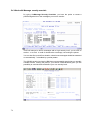
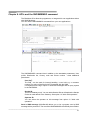
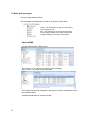
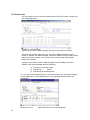
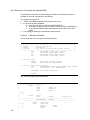
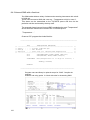
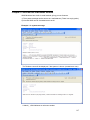
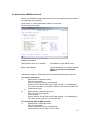
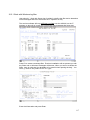
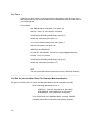
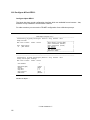
Type 2 from the main menu, in order to access the screen Work With Messages.
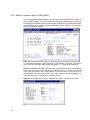
Here you receive a complete status on all the messages you have sent, or received
from SMS BlueNote.
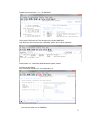
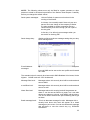
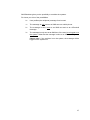
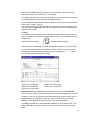
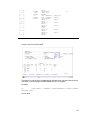
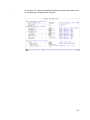
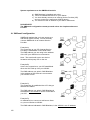
2=Change, you can Change a message that has not yet been sent.
3=Copy, you can copy a message and send it again - maybe to a new user!.
4=Delete, you can delete messages. This gives you a chance to regret a message, if
your iSeries has not yet connected the modem or operator.
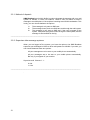
(You can find your selves in a situation where a program has generated several hundred
messages that you would like to delete in one go.
Do as follows:
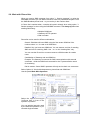
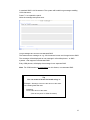
Stop the Subsystem
Write :
CLRPFM MSG00
Start the Subsystem
Note.
CLRPFM MSG00 will delete everything in the log! )
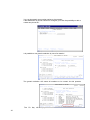
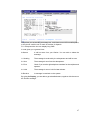
5=Display, you can display a complete status on the message along with the text.
6=Hold/Release, you can hold back or release a message, postdated, if you are
having doubts whether or not to send it.
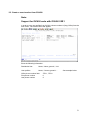
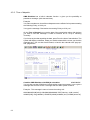
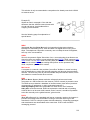
F6=Send message. If you have chosen to Change, copy or release a message, you
send the message by pressing F6.
66