1
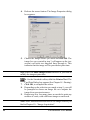
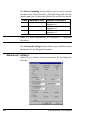
The Card Software continues the print process either on user
command or after receiving a return file OK-message (see
“setting the chip card properties”).
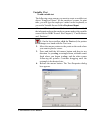
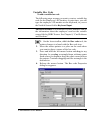
Chip Card Properties
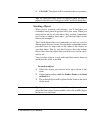
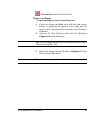
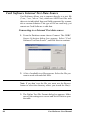
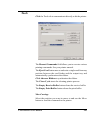
¨ Setting the chip card properties
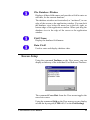
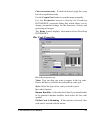
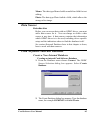
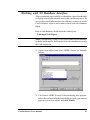
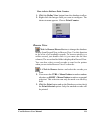
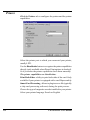
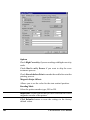
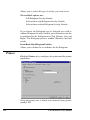
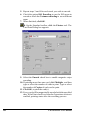
1. At the Drawing Toolbar click the Chip Card button.
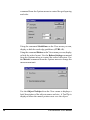
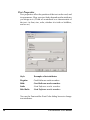
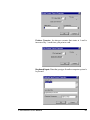
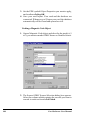
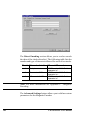
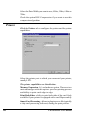
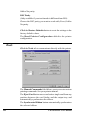
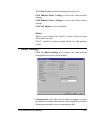
The Chip Card Properties dialog box appears.
2.
3.
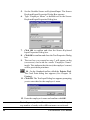
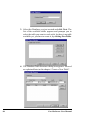
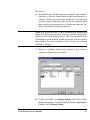
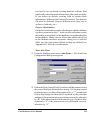
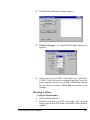
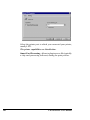
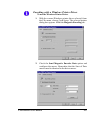
Type the path of the executable file of your chip card
processing software in the Command Line box. You can
also click the Browse button next to the Command Line
box. The Choose Application dialog box appears. Select
the directory of your executable file and click OK.
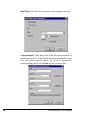
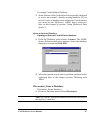
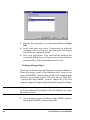
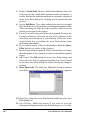
Set (optional) the arguments supported by your chip
card processing software in the arguments box.
Card Software User Manual
79