1
DREAM
Chapter 2. Starting Up
2-3
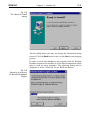
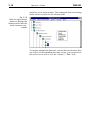
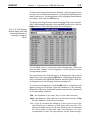
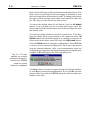
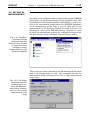
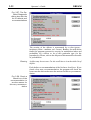
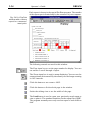
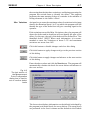
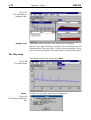
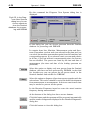
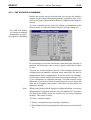
Fig. 2.4
The Select Destination Directory dialog
The dialog provides you with selection of a directory to copy the
software files. To select another directory than the displayed, click
the Browse button. It displays a dialog to explore your disks for path
to a directory to be created.
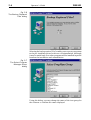
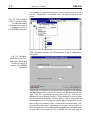
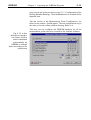
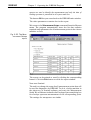
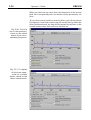
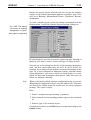
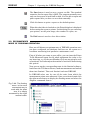
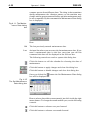
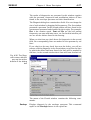
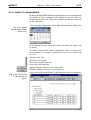
Fig. 2.5
The Select Sentinel
Directory dialog
If no path to the existing Sentinel directory is displayed, select the
Browse button and find it manually.