1
Chapter-8–Custom Reports
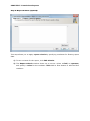
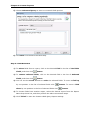
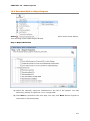
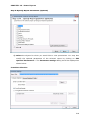
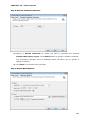
Step 3: Report Criteria (Optional)
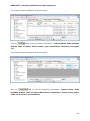
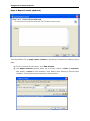
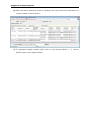
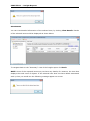
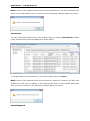
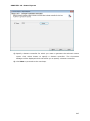
This step allows you to apply report criteria by specifying conditions for filtering report
data.
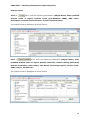
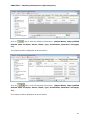
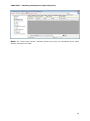
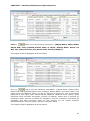
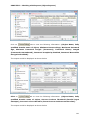
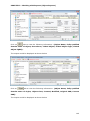
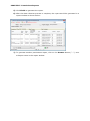
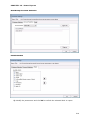
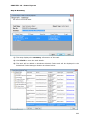
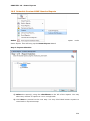
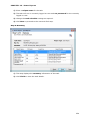
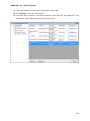
1) To set a criteria for the report, click Edit Criteria.
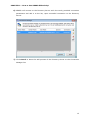
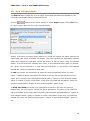
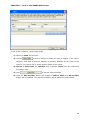
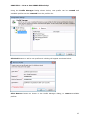
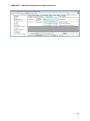
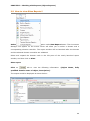
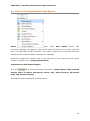
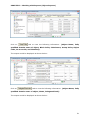
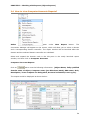
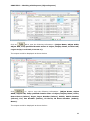
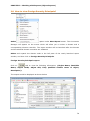
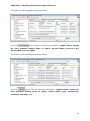
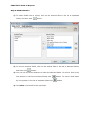
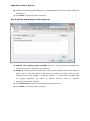
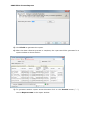
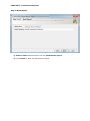
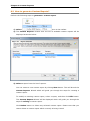
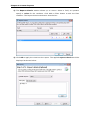
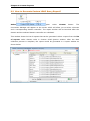
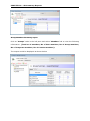
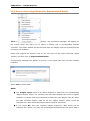
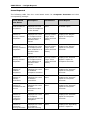
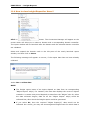
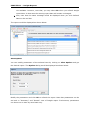
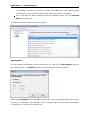
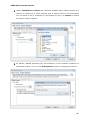
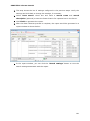
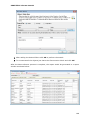
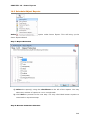
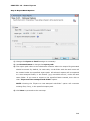
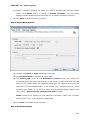
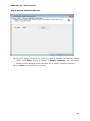
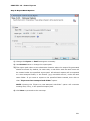
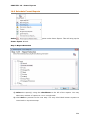
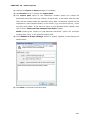
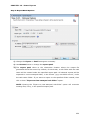
2) The Report Criteria window shows up on screen. Select a field, an operator,
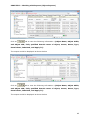
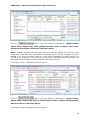
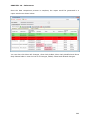
and specify a value for the condition. Click Add to filter button to add the filter
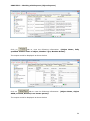
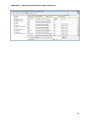
condition. The Report Criteria windows is shown below: