1
Online Learning System
Lecturers user manual
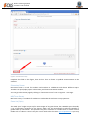
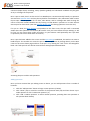
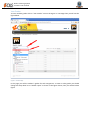
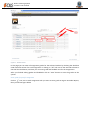
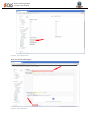
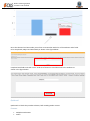
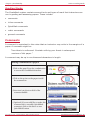
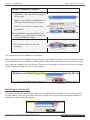
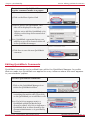
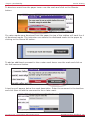
Figure 12 - Assignment Grade
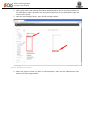
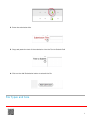
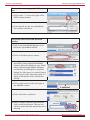
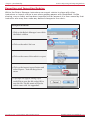
In this page you can enter all students grades for the selected assignment by checking the checkbox
under Override column for each student or clicking on “All” link next to the Override column to
check all the checkboxes then you can enter grade and feedback text for students.
After finishing editing grades and feedback, click on “Save” button to store the grades on the system.
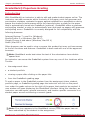
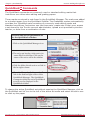
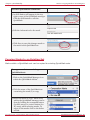
Enter all grades at once
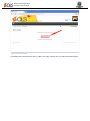
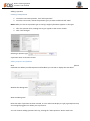
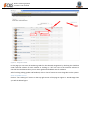
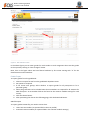
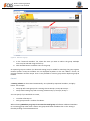
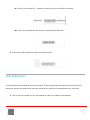
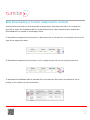
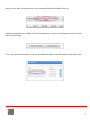
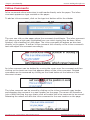
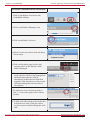
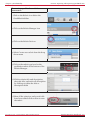
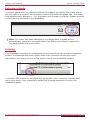
Click on “Turn editing on” button on the top right corner of the page on Figure 9 - Grades Page then
you will the below figure.