1
Chapter 4: GradeMark®
Section: Archiving or Removing a QuickMark from a Set
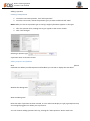
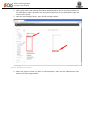
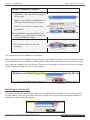
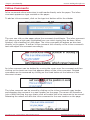
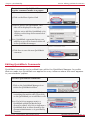
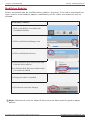
To remove marks from a QuickMark
set:
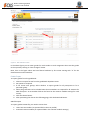
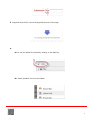
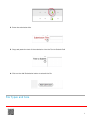
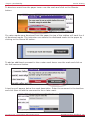
4. Click on the Actions link to the right of
the Marks column header and click on
the Other button
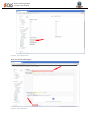
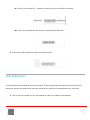
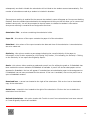
5. Click on the Remove from this set
option
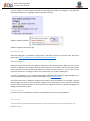
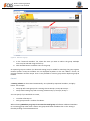
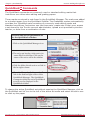
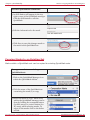
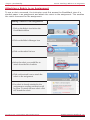
To remove a QuickMark from all sets
and archive it:
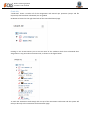
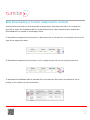
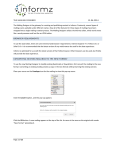
1. Click on the QuickMark Manager icon
within the QuickMark sidebar
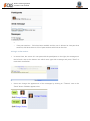
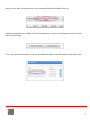
2. Click on the name of a QuickMark set
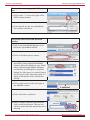
3. Select the marks to remove
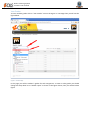
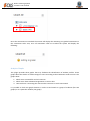
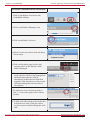
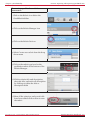
4. Click on the Actions link to the right of
the Marks column header and click on
the Other button
5. Click on the Archive option
Copyright © 1998 – 2012 iParadigms, LLC. All rights reserved.
Turnitin Instructor Handbook: 100