1
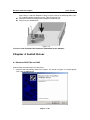
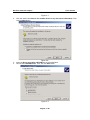
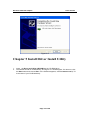
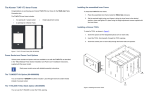
Wireless network adapter User manual all the way in. after the adapter is firmly in place, secure its fastening tab to your PC’s chassis with a mounting screw. Then close your PC. Attach the external antenna to the adapter’s antenna port. Power on your desktop PC. Figure 1-2 You have now completed the hardware installation for the Adapter. Chapter 4 Install Driver 4.1 Windows 98SE, Me and 2000 Please follow the steps below to install driver: 1. Windows will automatically detect the Adapter. The screen in Figure 2-1 should appear. Then click the Next button. Page 7 of 26