1
30
Chapter 4 – Image Acquisition and Hardware Control
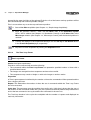
Note. If a piezo-electric objective mover PIFOC is installed the nosepiece might not
necessarily use the shortest way to move from one objective to the next in order to
avoid the winding up of the PIFOC cables.
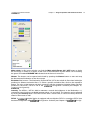
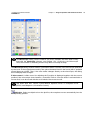
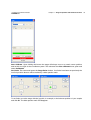
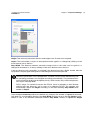
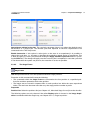
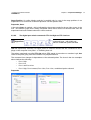
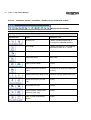
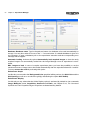
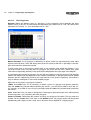
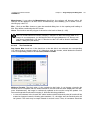
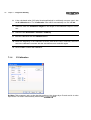
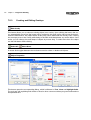
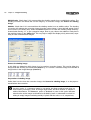
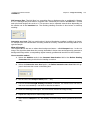
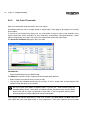
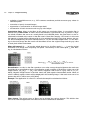
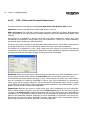
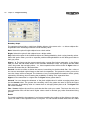
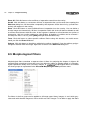
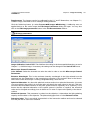
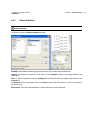
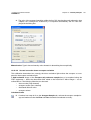
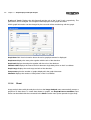
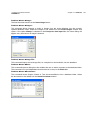
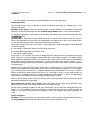
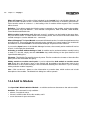
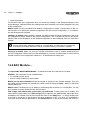
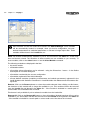
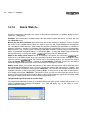
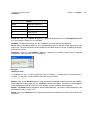
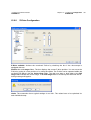
Magnification Changer. The default setting is 1 X and has to remain activated if the manually operated (!) optional magnification changer slide on the right side of the IX81 microscope is not used.
If, however, the changer is used to increase the magnification by 60%, the option 1.6 X in the dialog box has to be selected to ensure a correct size calibration of the images.
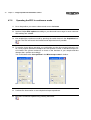
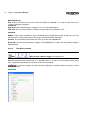
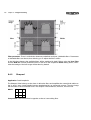
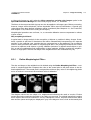
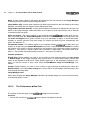
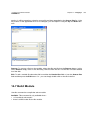
Fluorescence turret. Select a fluorescence filter cube from the pick list; the filter turret moves
automatically into the corresponding position.
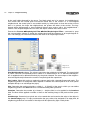
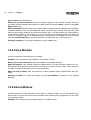
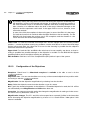
Condenser (for IX81 microscopes only). Select an insert of the Phase Contrast Optical Elements Turret of the transmission condenser from the pick list.
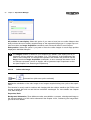
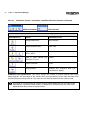
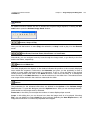
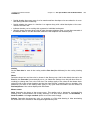
Lamp on / off. Use this toggle button to switch the transmission lamp on and off. Moving
the slider changes the transmission light intensity.
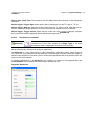
Camera / Ocular (for IX81 microscopes only): This toggle button directs the image of the
specimen either to the ocular or to the camera.
Transmission shutter open and close: This toggle button opens and closes the (optional) transmission shutter and complements the function of the Lamp on/off button and the intensity slider.
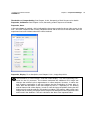
Side port / Bottom port: This toggle button directs the image of the specimen either to a
camera mounted at the side port or at the bottom port.
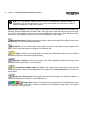
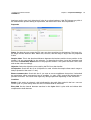
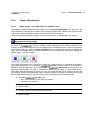
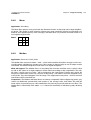
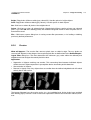
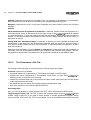
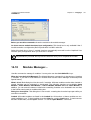
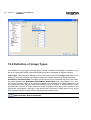
Image Type buttons. These buttons set all microscope and illumination modules (excitation filters, filter cubes, shutters) as defined for the different image types; see Chapter
15.3, Definition of Image Types.