1
170
Chapter 8 – Image Processing
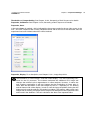
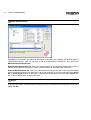
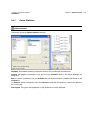
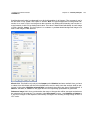
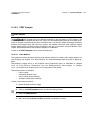
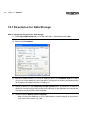
Boundary shape
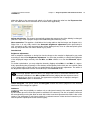
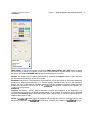
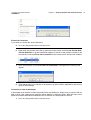
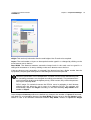
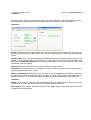
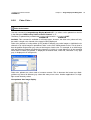
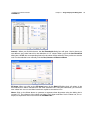
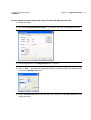
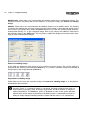
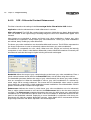
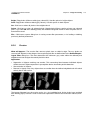
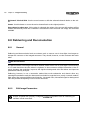
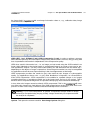
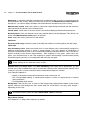
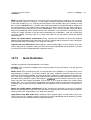
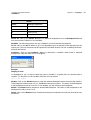
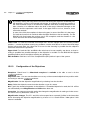
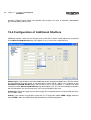
The separator affects light or dark lines dividing objects of the same color – or affects objects distinguishable from the background due to their intensity value.
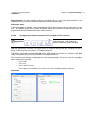
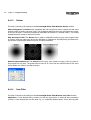
Dark. Select this option if bright objects have a dark outline.
Bright. Select this option if dark objects have a bright outline.
Step. Select this option if the individual objects are distinguishable by their varying intensity values.
Select this option when you wish to separate particles distinguishable from the background due to
their gray value.
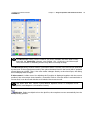
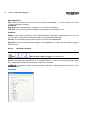
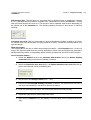
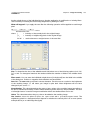
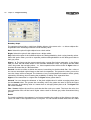
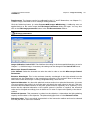
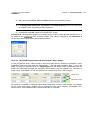
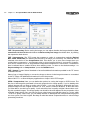
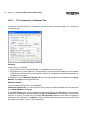
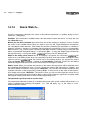
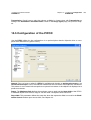
Sigma = 0. The image can be preprocessed using a mean filter before separation. In the Sigma
field you enter the half-width values of the Gaussian distribution used. The greater the half-width
value, the greater the averaging effect – i.e., fewer separation lines will be found. A Sigma value of
0 means the mean filter is a binominal filter.
Smooth. Use the scroll bar to define the extent of smoothing for the binominal filter. Set a value of
0 to use an untouched original image as the basis for separation. The greater the value you set, the
more the image will be averaged. The influence of any local brightness fluctuation will be greatly
reduced by smoothing, thus increasing the probability of finding ’true’ separation lines.
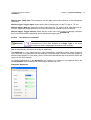
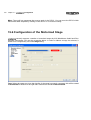
Sigma > 0. the mean filter is a sigma filter for Sigma values greater than 0.
Smooth. You can change the diameter of the pixel neighborhood in which averaging takes place
via the Smooth value. The greater the smoothing value, the greater the area in which the sigma
filter averages. A smoothing value of 0 means that no averaging takes place at all. The Sigma field
will not be available.
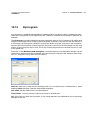
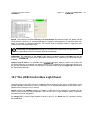
Fine / Coarse. Adjust the scroll bar such that the filter suits your needs. The lower the value, the
more separation lines will be found. Higher values result in minimal gray value fluctuations being
ignored.
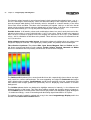
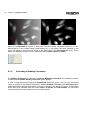
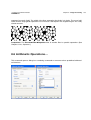
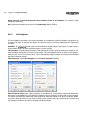
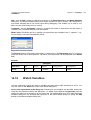
Result
The result provided by the separator is an image containing the outlines of the objects to be separated. The width of the separation lines is one pixel. You can decide whether these lines are white