1
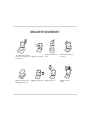
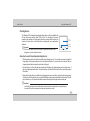
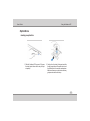
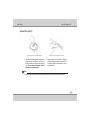
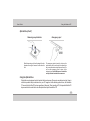
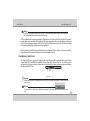
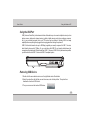
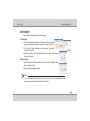
User's Guide Using the Notebook PC Security Modules (Fingerprint ) (on selected models only) Fingerprint recognition is feature that enrolls your fingerprint information into the computer and helps prevent unauthorized access by others. Instead of inputting password from the keyboard, the following function can be carried out just by swiping the registered finger against the fingerprint sensor. Points to note about the Fingerprint Sensor Due to the use of advance technology to manufacture the fingerprint sensor, please abide by the following guidelines when using it. Please take extra care when handling the sensor surface. Failure to follow these guidelines might result in (1) damage to the sensor or cause sensor failure, (2)finger recognition problems, or lower finger recognition success rate. Do not scratch or poke the sensor with your nails or any hard or sharp objects. Do not press the sensor strongly. Do not touch the sensor with a wet finger or any wet objects. Keep sensor surface dry and free of water vapor. Do not touch the sensor with a soiled finger. Minute foreign particles on a soiled or dirty finger may scratch the sensor. Do not paste sticker or write on the sensor. Do not touch the sensor with a finger or any object with built-up static electricity. 4-24