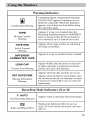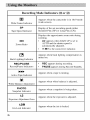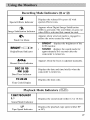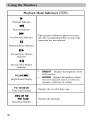
1
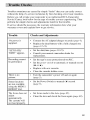
I TrOuble
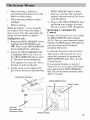
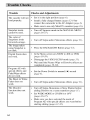
An error indication
(E01 -- E06)
appears onscreen
Remove the power supply (battery pack, etc.) and
wait a few minutes for the icon to clear. When it
does, reattach the power supply, turn on the
camcorder's
power, and resume recording.
If the indication remains after repeating the above
procedure two or three times, consult your nearest
camcorder service technician.
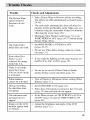
The charger
indicator on the AC
Adapter/Charger
does not light.
No picture appears
on the LCD
monitor
To protect the battery, it is recommended
to
charge it in places with a temperature of 50-95
degrees Fahrenheit (10°C to 35°C) (pages 13-14).
•
Remove
the lens cap.
Adjust the brightness
(page 22).
of the LCD monitor
If the LCD is rotated forward,
rotated 180 degrees.
When the
camcorder is
connected via the
1EEE 1394
connector, the
caincorder does not
Turn the camcorder's
make sure it is fully
power off and on again.
operate.
67