1
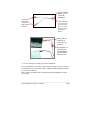
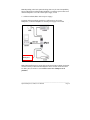
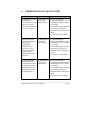
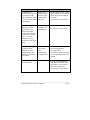
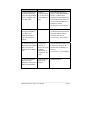
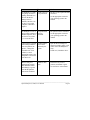
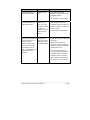
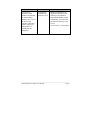
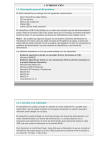
• Use the “HANDYDRIVE” port to
connect the
HandyDrive.
System side
connectors:
connect to two
USB systems or
hub ports.
• Use the “MOUSE”
port to connect any
Low Power USB
device, i.e. mouse,
keyboard, or other
Self-Powered
devices.
• Both system side
connectors are
connected to two
USB ports.
• The HandyDrive is
connected to the
“HANDYDRIVE”
port of the double
connection cable.
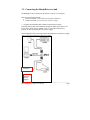
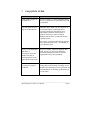
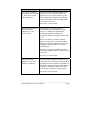
2. Use the external power supply to power the HandyDrive.
To use the HandyDrive powered by the external power supply, the power switch on
the HandyDrive must be switched to ‘EXT’. Otherwise the unit will still try to draw
power from the USB cable.
Please contact your dealer/reseller to purchase the optional HandyDrive external
power supply.
___________________________________________________________________________
Fujitsu HandyDrive (USB-2) User's Manual:
Page 8