1
IMBA-Q870-i2 ATX Motherboard
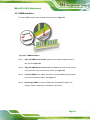
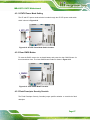
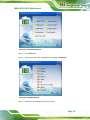
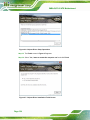
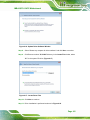
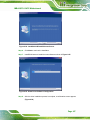
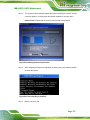
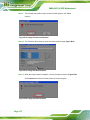
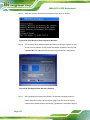
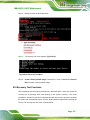
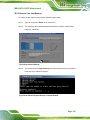
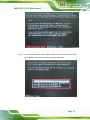
Figure B-14: Select a Local Source Drive
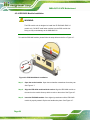
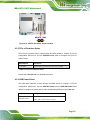
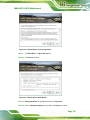
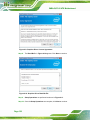
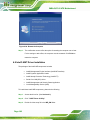
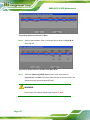
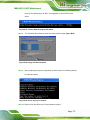
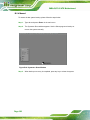
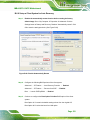
Step 6: Select a source partition (Part 1) from basic drive as shown in Figure B-15.
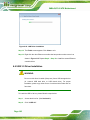
Then click OK.
Figure B-15: Select a Source Partition from Basic Drive
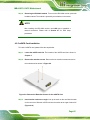
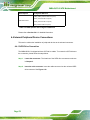
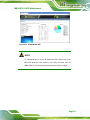
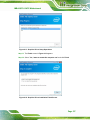
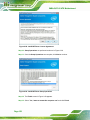
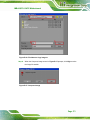
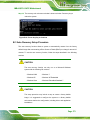
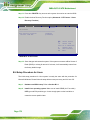
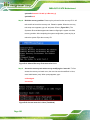
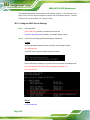
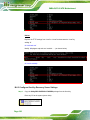
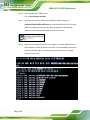
Step 7: Select 1.2: [Recovery] NTFS drive and enter a file name called iei
(Figure B-16). Click Save. The factory default image will then be saved in the
selected recovery drive and named IEI.GHO.
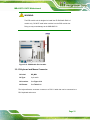
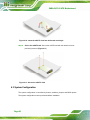
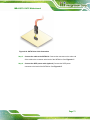
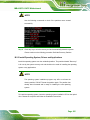
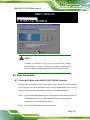
WARNING:
The file name of the factory default image must be iei.GHO.
Page 170