1
User’s Manual
Getting Started
To start the Address Book program—
Using speech commands—
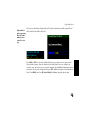
• Say “Auto PC.” Wait for the green “Listening” bar to appear, and then speak
the next command.
• Say “Address Book.”
Using the faceplate—
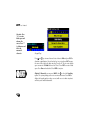
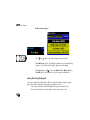
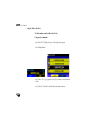
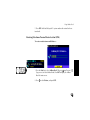
1. Press the Start key to select Address Book. OR press
(large screen) to select Address Book.
(small screen) /
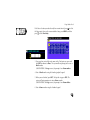
2. Press ENT to display the main Address Book List screen.
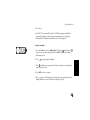
Using the remote controller—
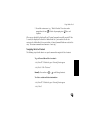
1. Unsnap the lower half of the remote controller to display the inner keypad.
Align the transmitter sensor (top end of the remote) with the Joyride™
system IR port.
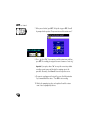
2. Press the Addr button to launch Address Book and display the main screen.
134