1
Using Address Book
Entering a New Contact
Address Book stores and lists contact information in alphabetical order.
To enter new contact information—
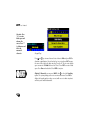
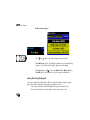
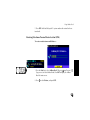
1. From the Address Book List main screen, press
to select the letter tab
representing the first letter of the last name of your contact (new entry).
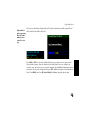
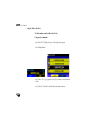
2. (Option 1) The system prompts you to enter a new contact name: <No
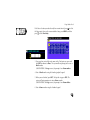
entry. Add New?> displays. Press ENT to enter the new contact name. A
keypad graphic displays for data entry. Using the graphic may require a
little practice.
135