1
C–3
Using H4 Series EBC with T&D
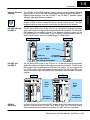
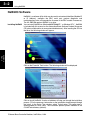
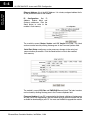
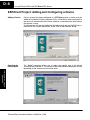
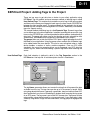
Starting I/O View
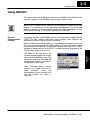
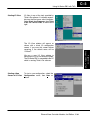
I/O View is one of the tools provided by
Think & Do software. It is directly accessible from the Start menu after installation.
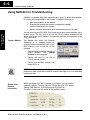
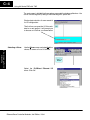
Select Start, then Programs, then Think
& Do, then T&D I/O View, as shown to the
right.
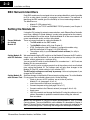
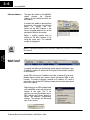
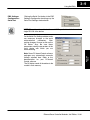
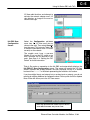
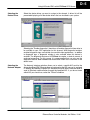
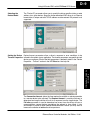
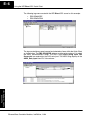
To start a new configuration, select the
Configuration menu, then New as
shown.
Ethernet Base Controller Modules, 3rd Edition, 11/04
Installation and
Starting a New
Screen in I/O View
Appendix C
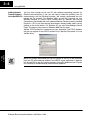
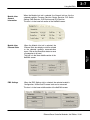
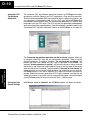
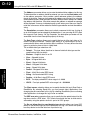
We use a new I/O View window to
configure the I/O for an example system.
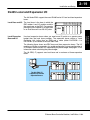
The H4 Series EBC is connected to the PC
which is running Think & Do software.
Using H4 EBCs w/ T&D
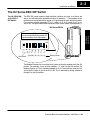
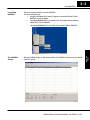
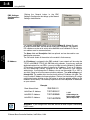
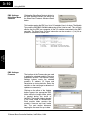
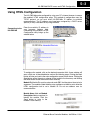
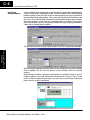
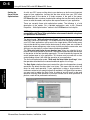
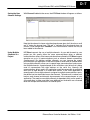
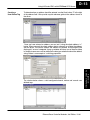
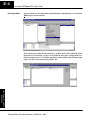
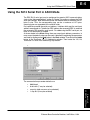
The I/O View window will appear as
shown, with a blank I/O configuration
screen. If you save this screen without
renaming it, the default name will be
“IOView1”.