1
Evaluate Menu
the most frequently published application). Other applications combine mid-IR
and near-IR data, for example. This kind of application can be used for recognizing pairs of bands belonging together or for assigning bands to each other.
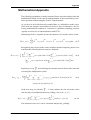
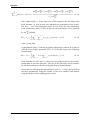
The Appendix provides mathematical background information as well as theoretical and experimental examples to illustrate possible applications of these
methods.
6.5.1
Select Files
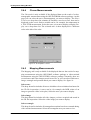
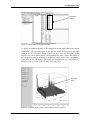
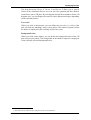
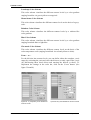
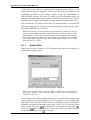
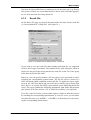
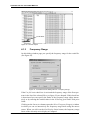
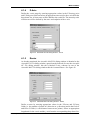
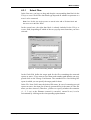
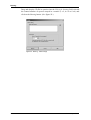
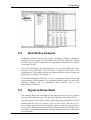
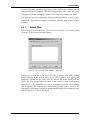
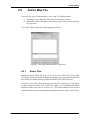
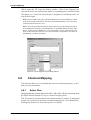
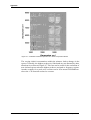
Select in the Evaluate menu the 2D Correlation function. As a result, OPUS
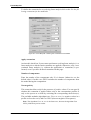
opens the 2D Correlation dialog window:
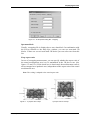
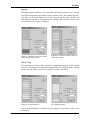
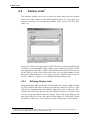
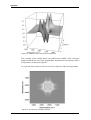
Figure 55: 2D-Correlation Dialog Window - Select Files
Include one or more files in the File(s) for 2D Correlation entry field by either
double-clicking on the desired file(s) in the OPUS browser or dragging and
dropping it (them) into the entry field. To delete a file, mark it and press the
Delete key. The selected files can either be the result of a time-resolved measurement or a GC measurement or can be assembled using the corresponding
OPUS function. The resulting two-dimensional spectrum will be stored in the
original file which then is marked as being modified and will be displayed in the
OPUS browser as a Chrom data block.
Bruker Optik GmbH
OPUS/3D
55