1
Manual Software Pro-Access
Page: 50
To do an emergency opening, follow these steps:
•
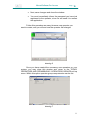
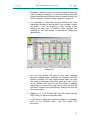
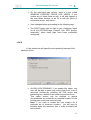
In the Access software on the PC, put an X in the ALLOW
EMERGENCY OPENING option in the ACTIONS TO DO
box.
•
Download data from the PC to the PPD.
•
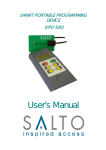
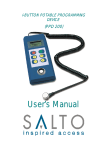
Take the PPD and go to the blocked door.
•
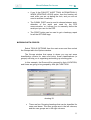
Turn the PPD on and select the EMERGENCY OPENING
option.
•
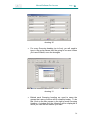
Press the OK key and you will see the CONNECT TO
LOCK message displayed.
•
Connect the special three pin connector cable to the PPD
and insert the three pin
connector end into the
emergency opening port below the reader on the
Electronic Furniture.
•
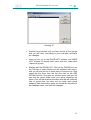
Wait for 3 or 4 seconds, and the PPD will give you the
message: DOOR OPENED (If the door belongs to the
locking system).
•
Replace the batteries in the Electronic Furniture and up
date it (via the PPD) with the current locking plan because
although the Electronic Furniture memory is non-volatile
and keeps the locking plan information, it is possible the
lock has lost the date and time data.
50