1
PCoIP® Zero Client and Host Administrator Guide
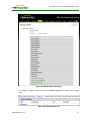
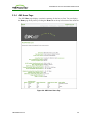
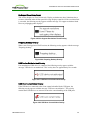
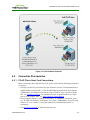
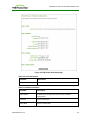
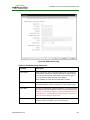
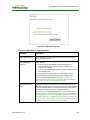
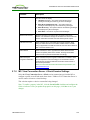
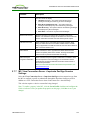
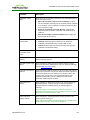
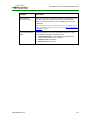
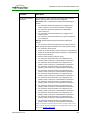
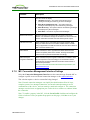
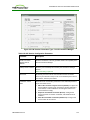
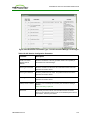
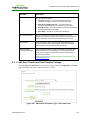
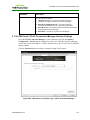
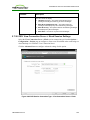
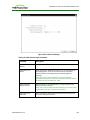
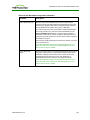
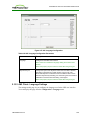
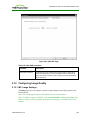
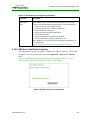
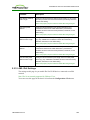
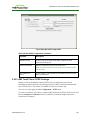
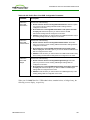
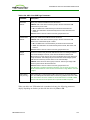
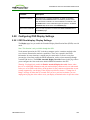
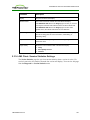
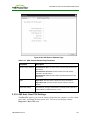
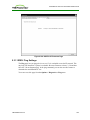
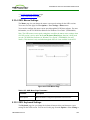
Figure 4-131: AWI Client Audio Page
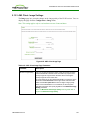
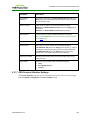
5.31.10AWI Client: Display Settings
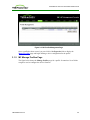
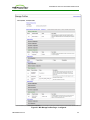
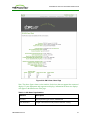
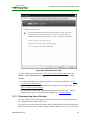
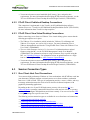
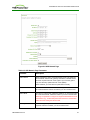
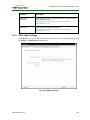
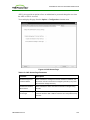
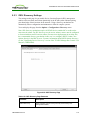
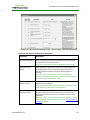
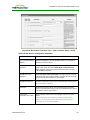
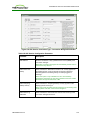
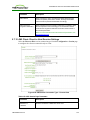
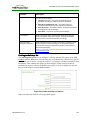
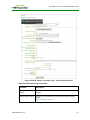
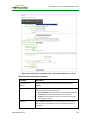
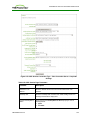
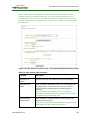
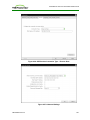
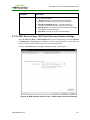
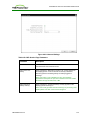
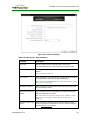
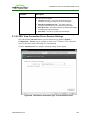
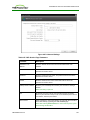
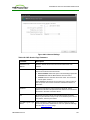
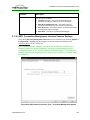
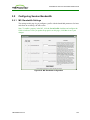
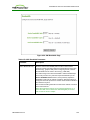
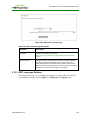
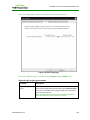
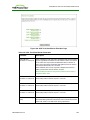
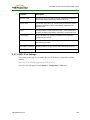
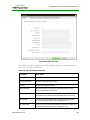
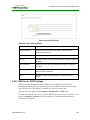
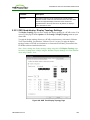
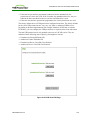
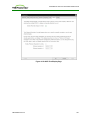
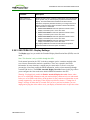
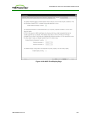
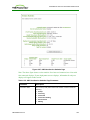
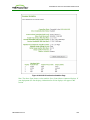
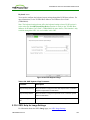
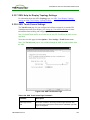
The Display page lets you initiate and view a test pattern on the client's display. You can
access the page from the Diagnostics > Display menu.
Note: The test pattern only appears on the Display page when the client is not in a PCoIP
session. If you click Start when the client is in session, an error message appears.
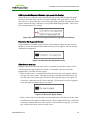
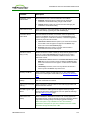
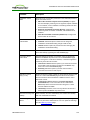
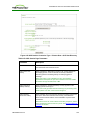
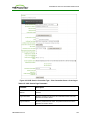
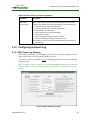
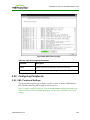
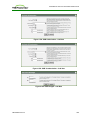
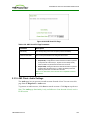
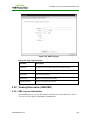
Figure 4-132: AWI Client Display Page
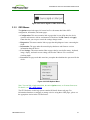
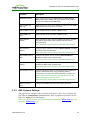
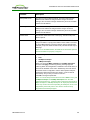
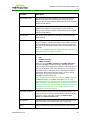
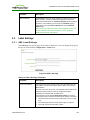
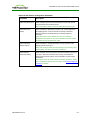
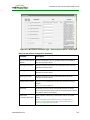
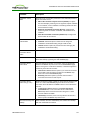
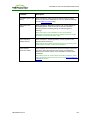
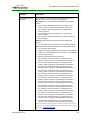
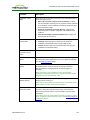
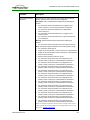
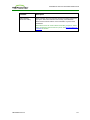
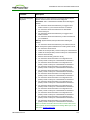
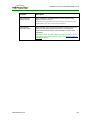
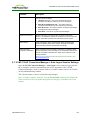
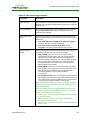
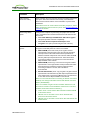
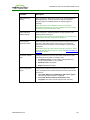
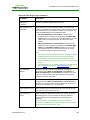
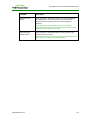
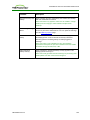
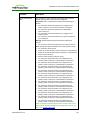
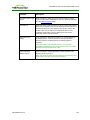
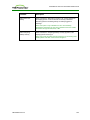
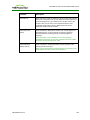
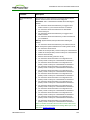
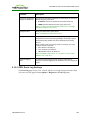
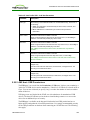
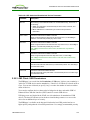
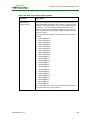
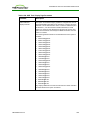
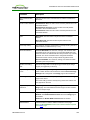
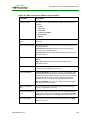
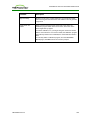
Table 4-119: AWI Client Display Page Parameters
Parameters
Description
Test mode
Set the type of test pattern for the attached monitor(s) as follows:
l Video Test Pattern Generator
l Pseudo Random Bitstream
Test resolution
Select the test resolution to use from the drop-down menu.
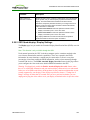
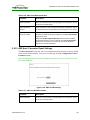
Start/Stop
Click Start to begin the test pattern. Click Stop to stop the test.
TER1206003 Issue 3
343