1
PCoIP® Zero Client and Host Administrator Guide
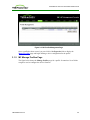
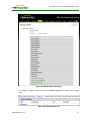
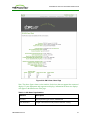
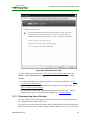
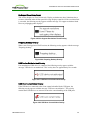
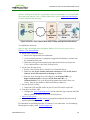
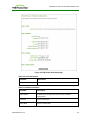
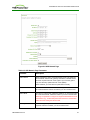
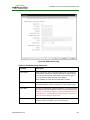
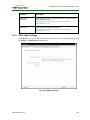
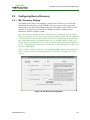
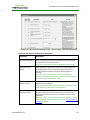
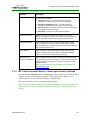
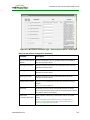
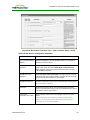
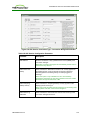
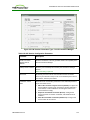
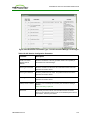
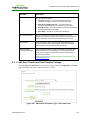
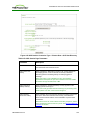
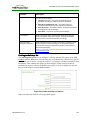
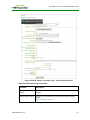
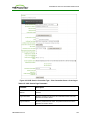
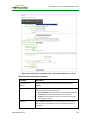
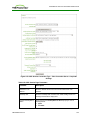
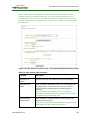
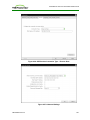
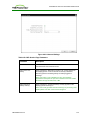
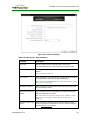
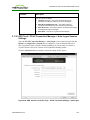
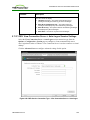
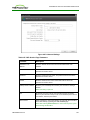
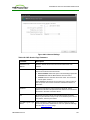
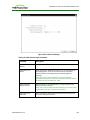
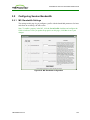
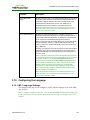
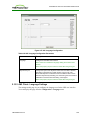
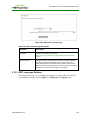
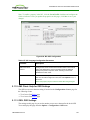
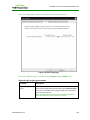
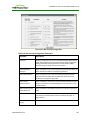
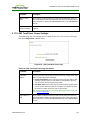
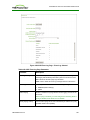
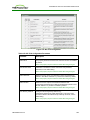
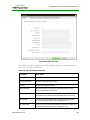
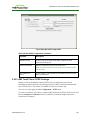
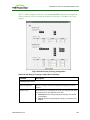
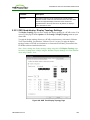
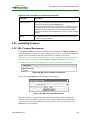
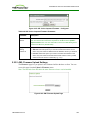
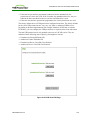
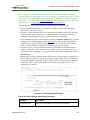
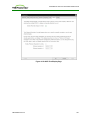
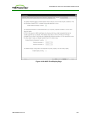
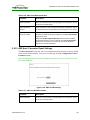
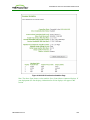
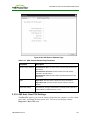
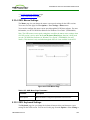
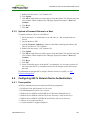
Figure 4-43: Advanced Settings
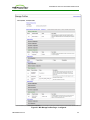
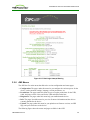
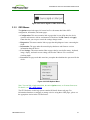
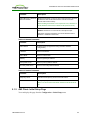
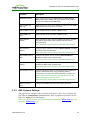
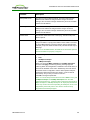
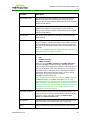
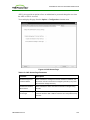
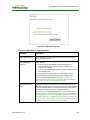
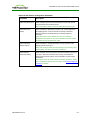
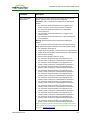
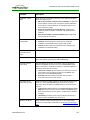
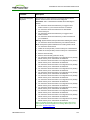
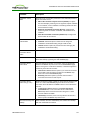
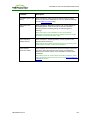
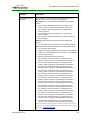
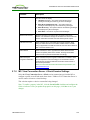
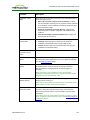
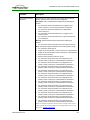
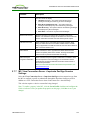
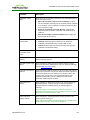
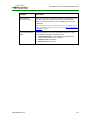
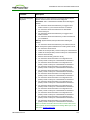
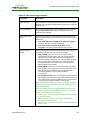
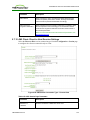
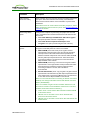
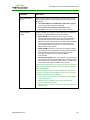
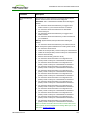
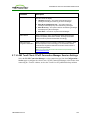
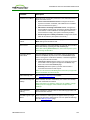
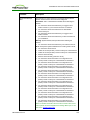
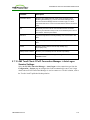
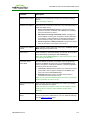
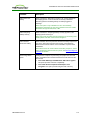
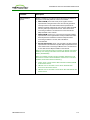
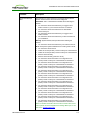
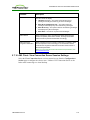
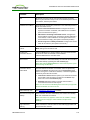
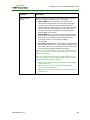
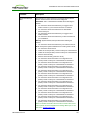
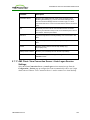
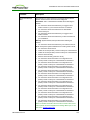
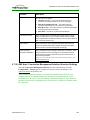
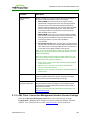
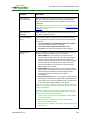
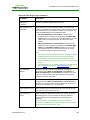
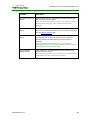
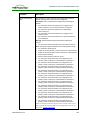
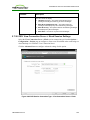
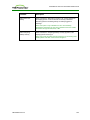
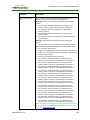
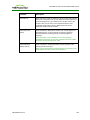
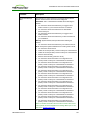
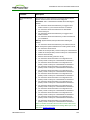
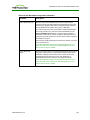
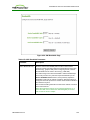
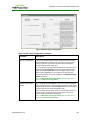
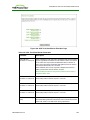
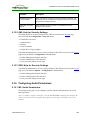
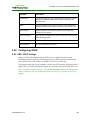
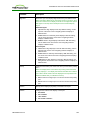
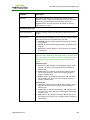
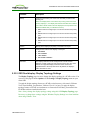
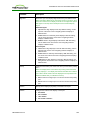
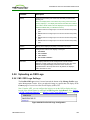
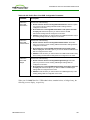
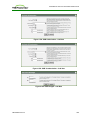
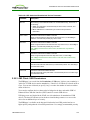
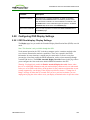
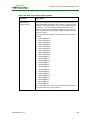
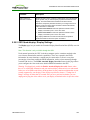
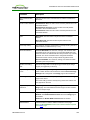
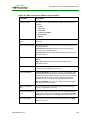
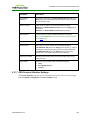
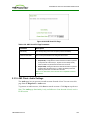
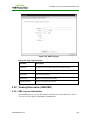
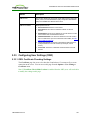
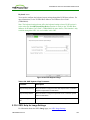
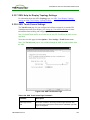
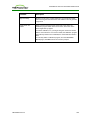
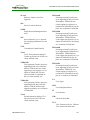
Table 4-45: OSD Session Page Parameters
Parameter
Description
Server URI
Enter the Uniform Resource Identifier (URI) .for the PCoIP
Connection Manager (e.g., http:/archdesktop.mycompany.com).
User name
Enter the username for the client. This username will be sent to the
specified connection server.
Password
Enter the password for the client. This password will be sent to the
specified connection server.
Domain
Enter the domain for the client. This domain will be sent to the
specified connection server.
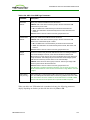
Desktop Name to Select
Enter the pool or desktop name used by the client when starting a
session.
Note: This setting is optional.
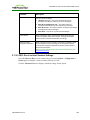
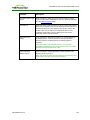
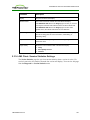
Auto Connect
When enabled, the client automatically connects with the connection
server after startup, bypassing the OSD Connect page.
Note: After enabling Auto Connect, the client must be power-cycled
for the change to take effect.
TER1206003 Issue 3
219