1
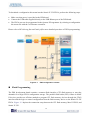
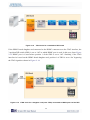
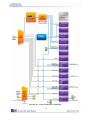
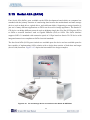
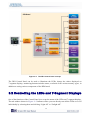
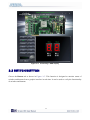
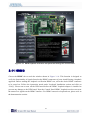
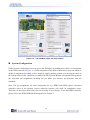
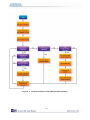
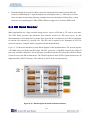
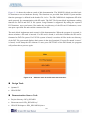
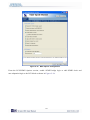
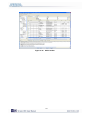
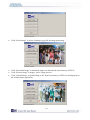
Figure 3–4 The DE4 Control Panel concept
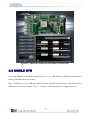
The DE4 Control Panel can be used to illuminate the LEDs, change the values displayed on
7-segment displays, monitoring buttons/switches status, read/write from various memory types, in
addition to testing various components of the DE4 board.
3.2 Controlling the LEDs and 7-Segment Displays
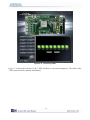
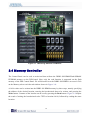
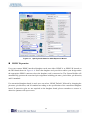
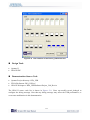
One of the functions of the Control Panel is to set up the status of the LEDs and 7-segment displays.
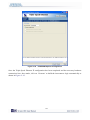
The tab-window shown in Figure 3–5 indicates where you can directly turn all the LEDs on or off
individually by selecting them and clicking “Light All” or “Unlight All”.
75