1
69
3 Tutorials
3.1 Consecution of actions to build the grain boundaries
1.
2.
3.
4.
5.
6.
7.
8.
Open or import the structure;
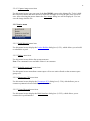
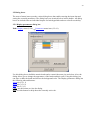
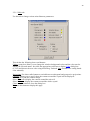
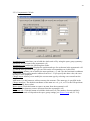
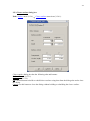
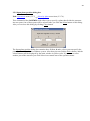
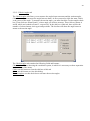
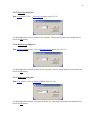
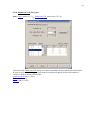
Open Lattice menu and select Enumerate CSL menu item;
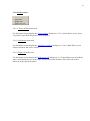
Switch to Options tab of the Enumerate CSL dialog;
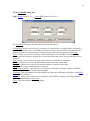
Fill width, distance to label atoms fields and select 2D or 3D periodicity;
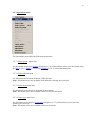
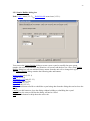
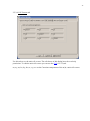
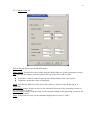
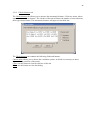
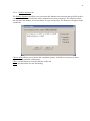
Switch to Symmetrical tilt or Twist tab;
Fill the available fields;
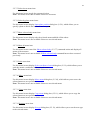
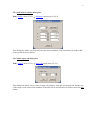
Click Enumerate button;
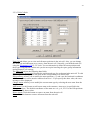
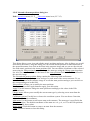
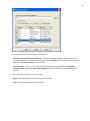
Select required grain boundary configuration from the list and click on it. If you will
select the configuration with large the time to build interface may be long;
9. Click on Build button. The interface will be shown;
10. Rotate structure to see the interface;
11. Click Show Interface button to see the labeled atoms;
12. Click Hide Interface to hide selection;
13. If you wish to choose another configuration or change the fields on Option tab then click
Undo Build. Then click another configuration or change values on Option tab and click
again on Build button;
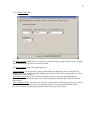
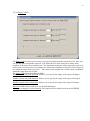
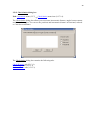
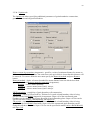
14. After building interface switch to Option tab;
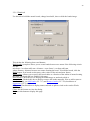
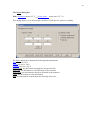
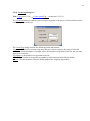
15. To specify translation fill the A and B fields in case of 3D periodicity or A, B and C
fields in case of 2D periodicity. Choose side of interface to move. Note the Crystal_1 is
original crystal and Crystal_2 is the rotated in case of twist or reflected in case of tilt one.
Crystal_1 has fractional coordinate z from 0.5 up to 1. You can move atoms along A
vector then along B or simultaneously if values A and B not equal 0;
16. The last action is remove atoms on both sides of interface whose separation is less then
value of minimum separation fields. Specify the value of separation and click Remove
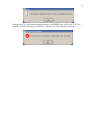
button. You can’t close the dialog if you did not click this button. If you do not wish to
remove atoms then you need to specify the separation value as 0;
17. Close dialog;
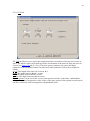
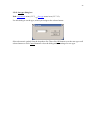
18. Use Lattice->Build/Rebuild menu item to show the Lattice Builder dialog.
19. Use Super Cell tab to build super cell.
20. Export structure in cif format. The symbol “1” will be added to atoms symbol for labeled
atoms and nothing to others. (For example Si1, O1). Also the file with extension *.tag
will be created in the export directory. This file is created for all export formats. The line
which contains 1 means that corresponding atom labeled and 0 is not labeled;