1
How to use this guide?
How
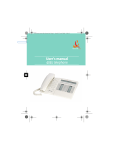
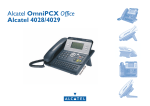
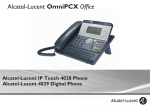
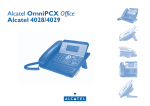
You have an Alcatel Advanced Reflexes digital telephone. The large display,
navigator and alphabetic keypad will help you use your telephone easily and make
optimum use of the many functions offered.
• Actions
• Keypad
lift the receiver.
Numeric keypad.
hang up.
Alphabetic keypad.
Description of an action
or context.
Specific key on numeric
keypad.
• Navigator
• Audio keys
Move the navigation key
up, down, to the left or
to the right.
Loudspeaker.
hands free.
Adjustment “reduce”.
3
• Display and display keys
Smith John
Partial view of display.
Adjustment “increase”.
• Other fixed keys
Display key.
Fixed key.
• Programmable keys and icons
line key.
Icon corresponding to
key.
MENU key.
• Other symbols used
OR
Alternative to action
sequence.
Key programmed by
technician to access
Important information.
service.
These symbols can be supplemented by small icons or text. All default or
customized function codes are given in the table of codes in the appended sheet.
The features described in this manual and indicated with an asterisk (*) can only
be accessed with some software versions.
3