1
7.
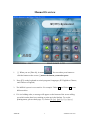
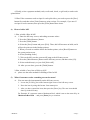
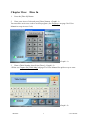
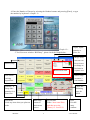
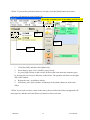
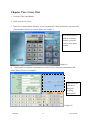
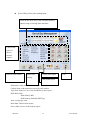
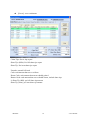
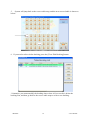
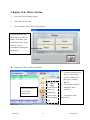
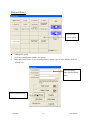
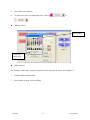
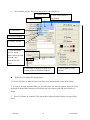
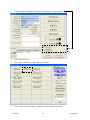
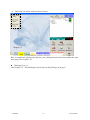
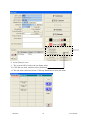
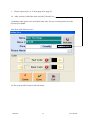
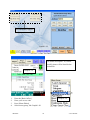
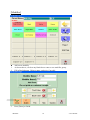
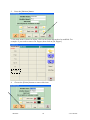
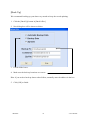
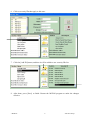
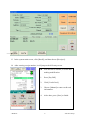
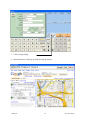
Fill in item information, and then click [Done].
8.
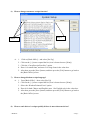
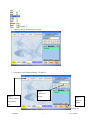
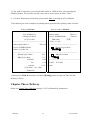
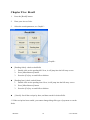
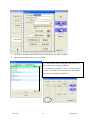
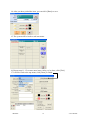
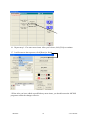
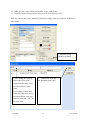
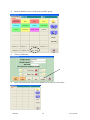
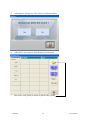
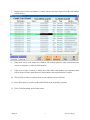
After you have entered all the sub-items, click [Back] button to return to [Modifier]
Screen.
9.
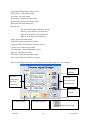
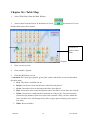
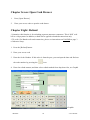
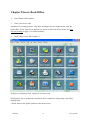
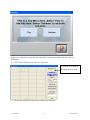
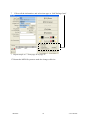
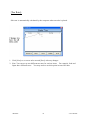
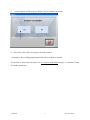
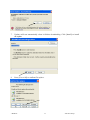
After done, click [Exit] to return to [Back Office] menu.
z
1.
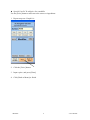
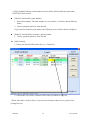
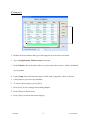
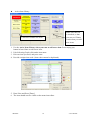
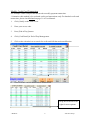
Modify or delete sub-items
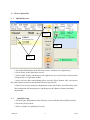
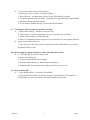
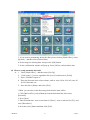
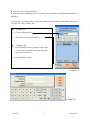
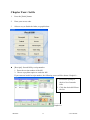
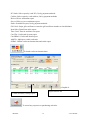
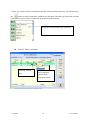
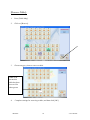
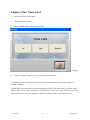
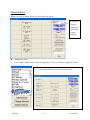
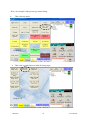
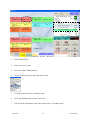
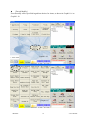
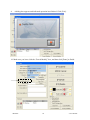
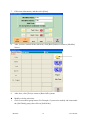
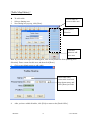
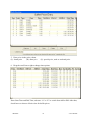
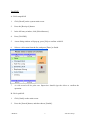
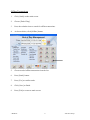
Click on a modifier group button. For Example, if you need to modify sub-items under
the [Soft Drink] group, then click on [Soft Drink].
- MCPOS -
67
- User Manual -