1
110
UBECO PROFIL - Rollform Design Software
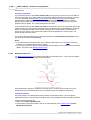
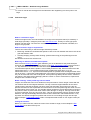
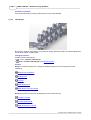
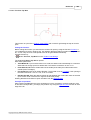
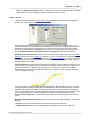
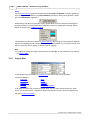
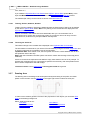
Spacer rolls are handled like all other objects in the PROFIL object hierarchy. They can be
selected by mouse-click and can be dimensioned. All roll modify functions can be applied to
spacer rolls as well. Also the Expanded Roll Tool Window is available.
Hints:
· Remove spacer rolls with Rolls, Spacer Rolls, Remove.
· Spacer rolls' width is not adapted automatically after changing forming rolls' width. The spacer
rolls must created newly.
· Spacer rolls can be converted to forming rolls by unchecking the box Spacer Roll in the header
of the Roll Tool Window. As a result the Number Keys in Options, Rolls are used during
Renumbering and the roll is handled like a forming roll during all output functions.
· Spacer rolls can be switched on and off by using the function View, Show, Spacer Rolls. This
takes effect for the Drawing Area and for the output to CAD, Printer, Plotter, Parts List and NCProgram. If the spacer rolls are switched off, they are switched on automatically by calling the
create function.
· The difference between automatic spacers and spacer rolls is discussed in Tutorial, Roll Tools,
Creating Spacer Rolls.
3.1.4.4.2 Remove Spacer Rolls
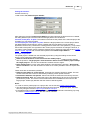
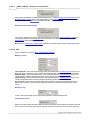
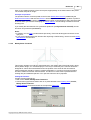
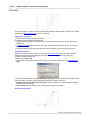
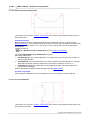
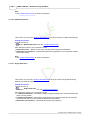
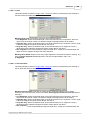
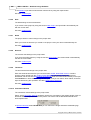
This function removes spacer rolls. The box Spacer Roll in the header of the Roll Tool Window
determines which rolls are spacer rolls.
Calling the function
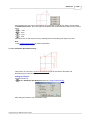
Call this function optionally by:
· Main menu: Rolls, Spacer Rolls, Remove.
· Context menu (right mouse button click on a roll in the Drawing Area): Spacer Rolls, Remove.
If the bottom or top shaft is selected by mouse click on an existing roll, th spacer rolls will be
removed from the selected shaft only. Otherwise, if nothing is selected (button Inspect), the
spacer rolls from both bottom and top shafts are removed.
Hints:
· In order to remove one certain roll only, use the function Roll, Delete.
· If spacer rolls should be created newly (e.g. after changing the width of forming rolls), they do
not need to be removed. Use Rolls, Spacer Rolls, Create and reply Yes to the question
Warning: Spacer rolls already exist on the shaft. Remove?.
3.1.4.5
Conical Extension
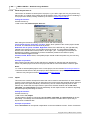
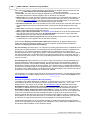
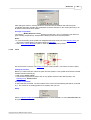
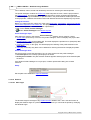
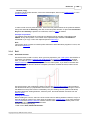
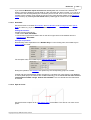
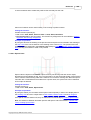
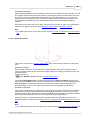
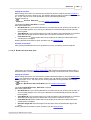
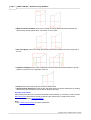
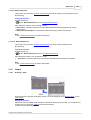
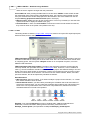
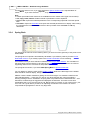
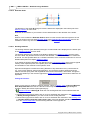
Use this function to add a conical extension to the beginning or the end of a roll. This will be
regularly necessary, if you created the roll with function Scan Profile Drawing and the roll set
should have more width than the profile itself. The extension can be negative in order to get a
smaller roll.
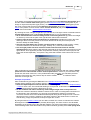
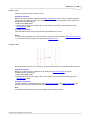
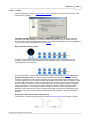
Conical means that start and end of the contour will be lengthened with the same angle. You
define the amount either - or
Copyright 2015 by UBECO GmbH, Iserlohn