1
162
UBECO PROFIL - Rollform Design Software
Break Down Pass, Bottom Roll.
3.1.7.2.4 Break Down Pass W-Forming
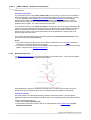
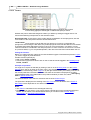
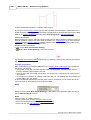
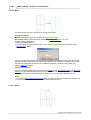
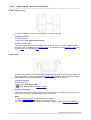
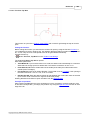
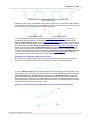
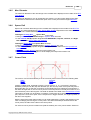
This function is a part of the Toolbox Tube Design and creates the tube profile for a break down
pass. W-Forming is a special forming method which raises the middle of the profile first while the
finished radius is formed at the outsides.
Calling the function
Before calling this function you should created already some Break Down Passes Afterward use
the function Profile, Append for creating a profile list for the new break down pass.
Call this function by:
·
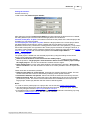
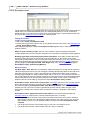
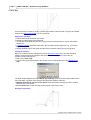
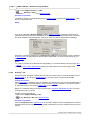
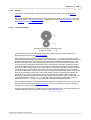
Button Break Down Pass, W-Forming from the Toolbox Tube Design.
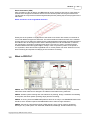
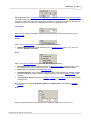
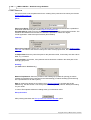
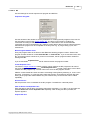
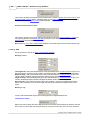
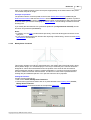
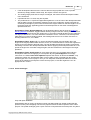
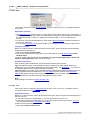
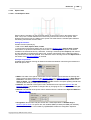
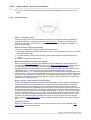
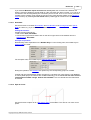
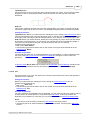
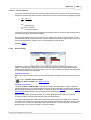
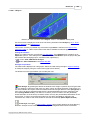
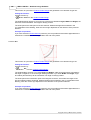
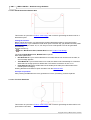
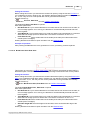
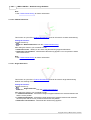
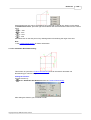
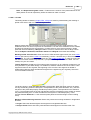
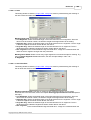
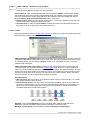
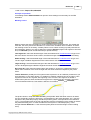
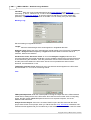
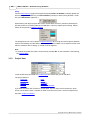
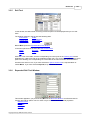
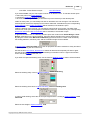
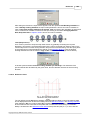
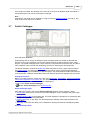
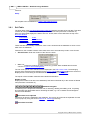
The window Break Down Pass, W-Forming is opened. Enter the desired Angle and Radius for
the first arc segment and the Radius for the second arc segment into the input fields.
If the message appears Incorrect Input, the entered parameters are not suited for creating a
break down pass, the developed length of which is the same as the one of the previously
appended profile list.
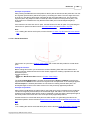
Principle of operation
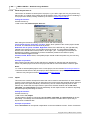
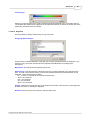
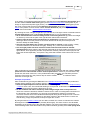
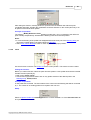
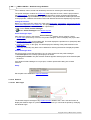
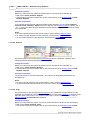
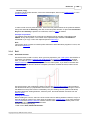
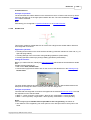
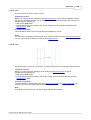
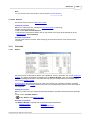
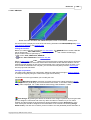
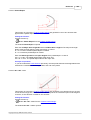
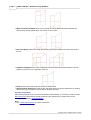
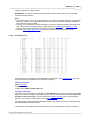
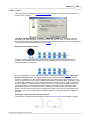
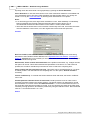
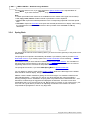
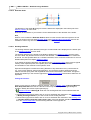
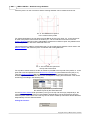
After pressing the Ok-button the tube profile for the break down pass is entered into the profile list.
The first arc segment (at the bottom) has the desired angle and radius. The second one (at the
outside) has the desired radius and its angle is calculated on this way that the developed length of
the whole profile is the same as the one of the previously appended profile list.
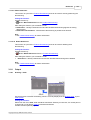
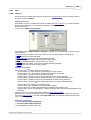
For generating the rolls for the break down passes use the functions Break Down Pass, Bottom
Roll and Break Down Pass, Top Roll.
Hint:
· For creating the rolls for the break down pass, use the function Break Down Pass, Top Roll and
Break Down Pass, Bottom Roll.
Copyright 2015 by UBECO GmbH, Iserlohn