1
238
3.5.6.7
UBECO PROFIL - Rollform Design Software
Position
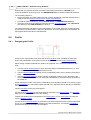
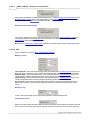
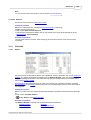
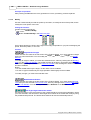
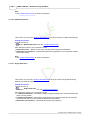
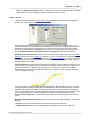
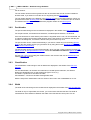
The position is a column of the table of the Profile Elements of the Profile List and defines the
center of a hole or a cut-out. Holes/Cut-Outs are only allowed in straight Profile Elements of type L.
The position is related to the start point of the profile element.
For displaying the size in the Profile List Window, select the layout With Holes/Cut-Outs in
Options Profile List.
See also: Profile List.
3.5.6.8
Straight Length
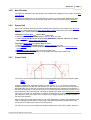
The straight length is a column of the table of the Profile Elements of the Profile List and displays
the length of a straight element or the calculated straight length of a bent element, dependent on
the selected Calculation Methods.
See also: Profile List.
3.5.6.9
Stress
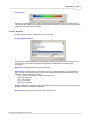
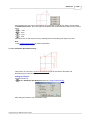
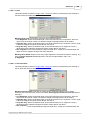
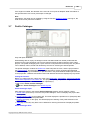
The stress is a column of the table of the Profile Elements of the Profile List and displays the
relative stress in transverse direction on the outer side of an arc in % related to the fracture stress
of the material. If values are greater than 100%, you must expect cracks. Furthermore the Statics
is not valid.
See also: Profile List.
3.5.6.10 PE
For future use only.
3.5.7
Arc Types
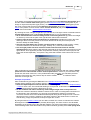
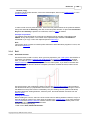
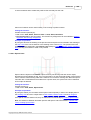
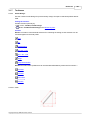
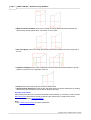
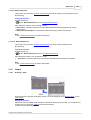
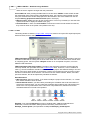
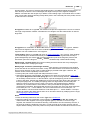
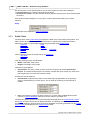
PROFIL knows 4 various arc types (bending methods), which are treated differently while bending:
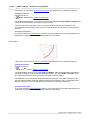
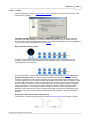
Arc type A1 has a constant straight length. By changing the bending angle the bending radius is
calculated and modified. Also possible: by changing the radius the angle is calculated and
modified. This method often is used in case of sharp bending (this means small inner radii).
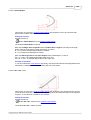
Arc type A2 has a constant straight length together with its previous segment and has a constant
Copyright 2015 by UBECO GmbH, Iserlohn