1
Chapter 2 Front-Panel Menu Operation
To Output an FSK Waveform
To Output an FSK Waveform
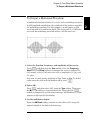
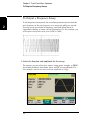
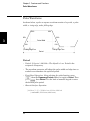
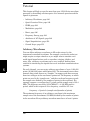
You can configure the waveform generator to “shift” its output frequency
between two preset values using FSK modulation. The rate at which the
shift happens is the FSK rate, and this FSK rate is determined by the
internal rate generator or the signal level on the rear-panel Ext Trig
connector. The two frequencies that the signal shifts between are called
4
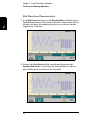
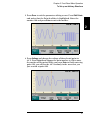
the “carrier frequency” and the “hop frequency.” For this example,
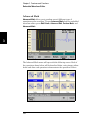
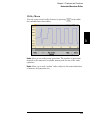
you will set the “carrier” frequency to 3 kHz and the “hop” frequency to
500 Hz, with an FSK rate of 100 Hz.
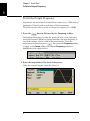
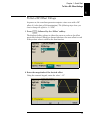
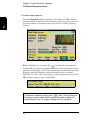
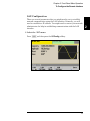
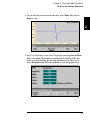
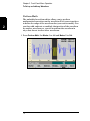
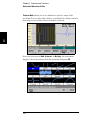
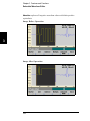
1 Select the function, frequency, and amplitude of the carrier.
Press
and then press the Sine softkey. Press the Frequency,
Amplitude, and Offset softkeys to configure the carrier waveform. For
this example, select a 3 kHz sine wave with an amplitude of 5 Vpp, with 0
offset.
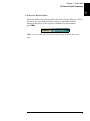
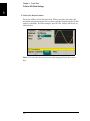
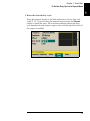
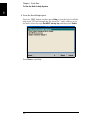
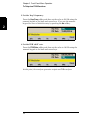
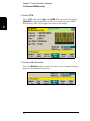
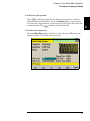
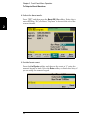
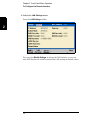
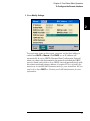
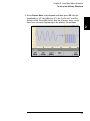
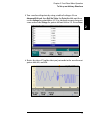
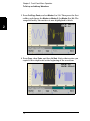
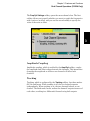
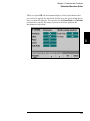
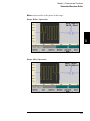
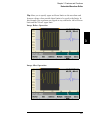
2 Select FSK.
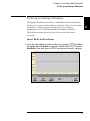
Press
and then select FSK using the Type softkey. Then press the
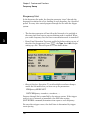
Modulate softkey to turn modulation On. Notice the status message
“FSK Modulated” at the top left of the display.
39
2