1
Chapter 2 Front-Panel Menu Operation
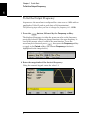
To Set up an Arbitrary Waveform
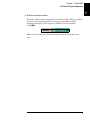
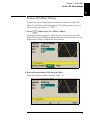
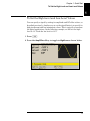
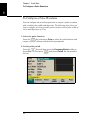
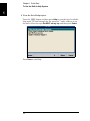
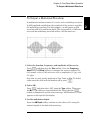
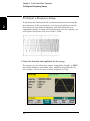
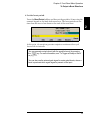
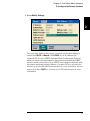
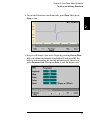
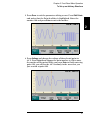
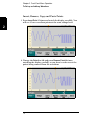
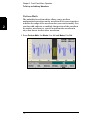
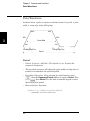
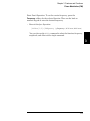
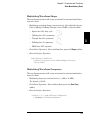
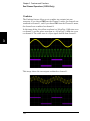
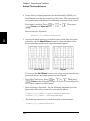
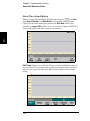
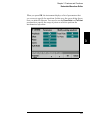
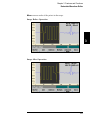
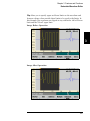
3 Press Done to exit the parameter editing screen. Press Edit Points
and notice that the Point # softkey is highlighted. Enter the
number 160 and press Enter to move the marker.
2
4
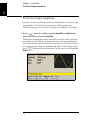
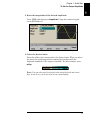
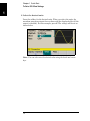
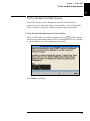
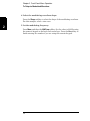
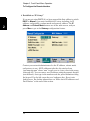
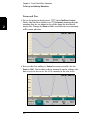
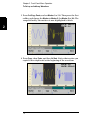
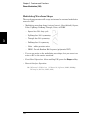
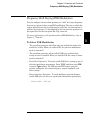
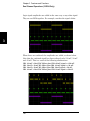
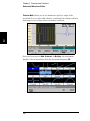
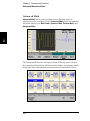
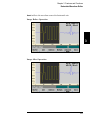
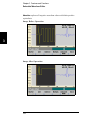
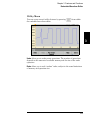
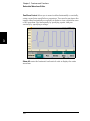
4 Press Voltage and change the voltage of the selected point to
4.2 V. Press Point # and change the point marker to 150 to move
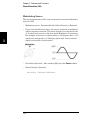
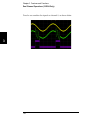
the marker off the point. When you press Enter to finish entering
point 150, you will see the 4.2 V anomaly in the wave that you
just created at point 160.
67