1
Chapter 9 PROGRAM MODE
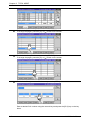
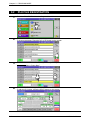
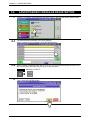
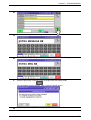
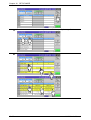
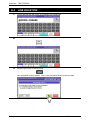
5.
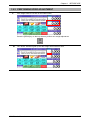
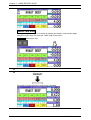
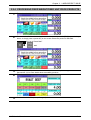
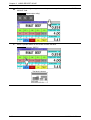
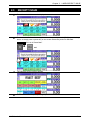
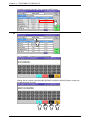
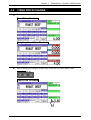
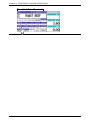
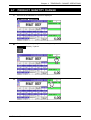
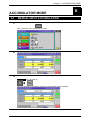
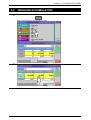
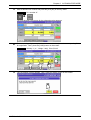
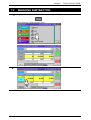
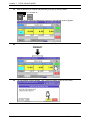
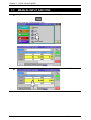
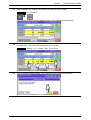
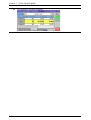
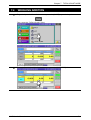
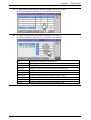
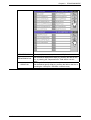
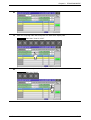
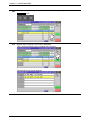
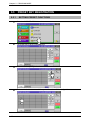
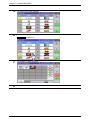
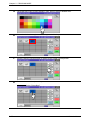
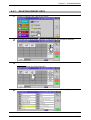
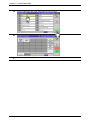
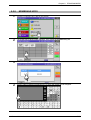
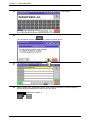
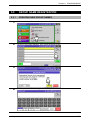
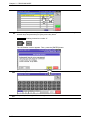
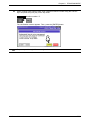
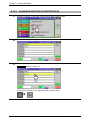
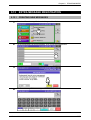
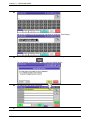
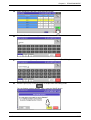
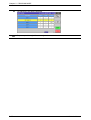
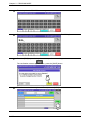
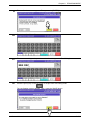
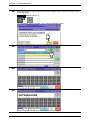
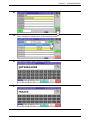
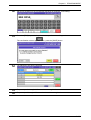
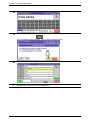
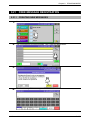
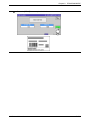
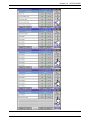
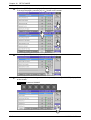
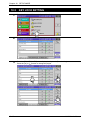
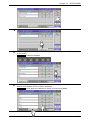
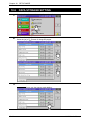
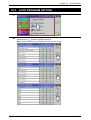
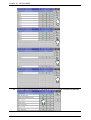
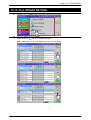
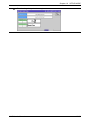
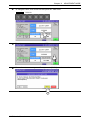
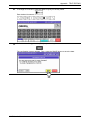
The text edit screen appears.
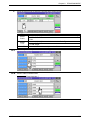
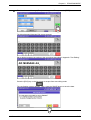
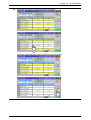
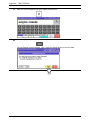
6.
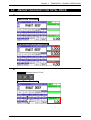
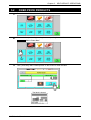
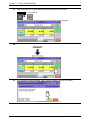
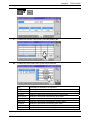
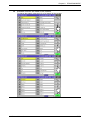
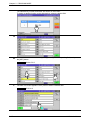
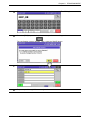
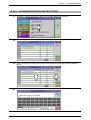
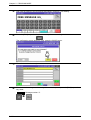
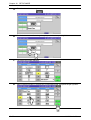
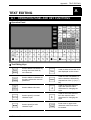
Edit a desired text according to the procedures described in Appendix “Text Editing”.
EXAMPLE “Beef Fillet”.
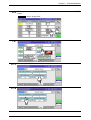
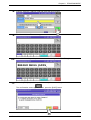
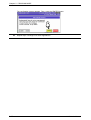
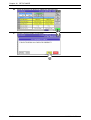
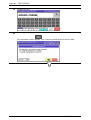
7.
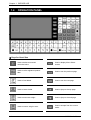
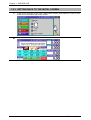
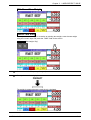
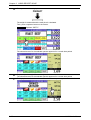
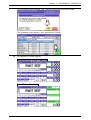
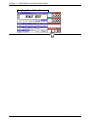
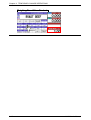
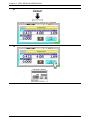
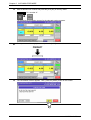
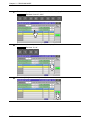
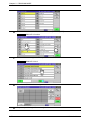
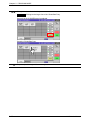
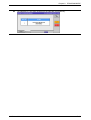
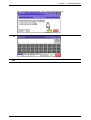
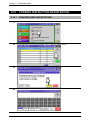
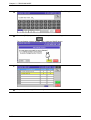
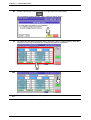
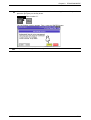
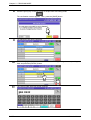
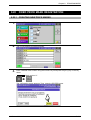
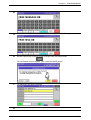
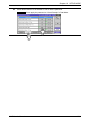
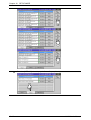
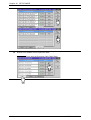
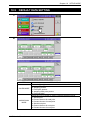
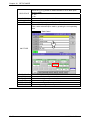
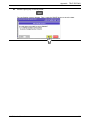
To finalize the editing, press the [ESC] key on the key sheet.
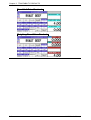
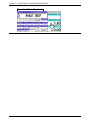
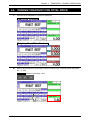
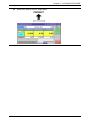
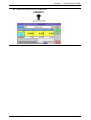
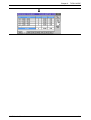
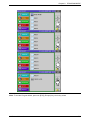
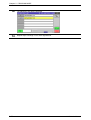
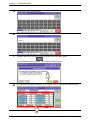
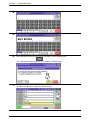
The confirmation screen appears. Then, press the [SAVE] button to save the data.
9-34
Uni-7 User’s Manual