1
Chapter 9 PROGRAM MODE
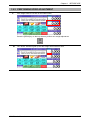
10.
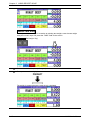
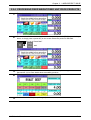
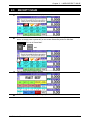
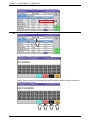
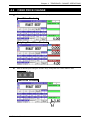
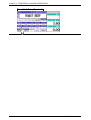
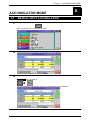
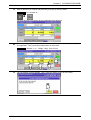
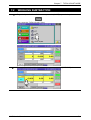
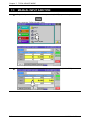
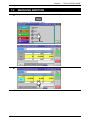
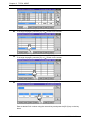
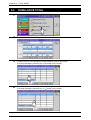
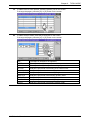
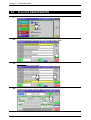
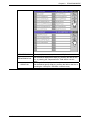
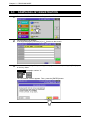
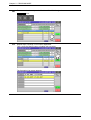
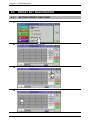
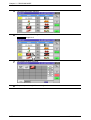
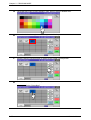
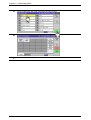
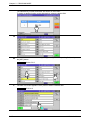
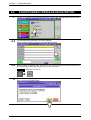
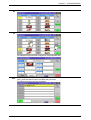
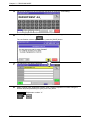
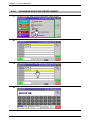
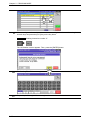
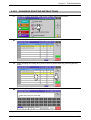
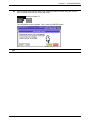
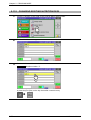
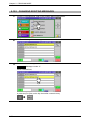
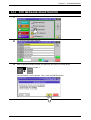
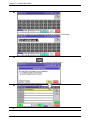
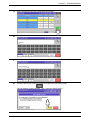
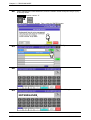
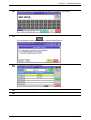
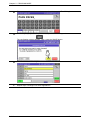
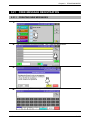
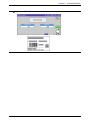
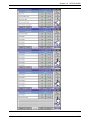
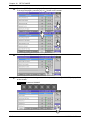
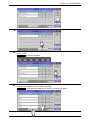
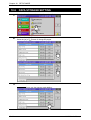
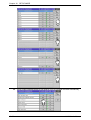
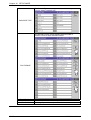
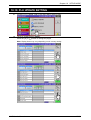
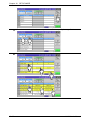
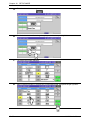
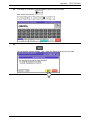
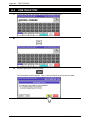
The Item List screen appears. Then, press to select a desired item field.
EXAMPLE PLU number “4”
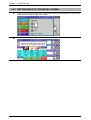
11.
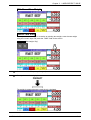
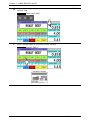
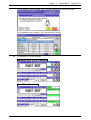
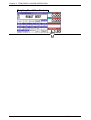
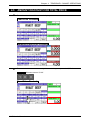
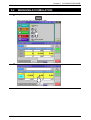
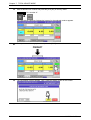
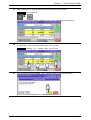
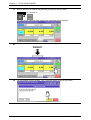
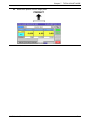
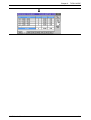
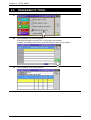
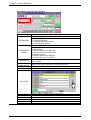
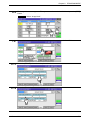
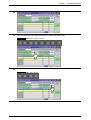
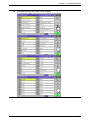
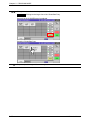
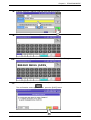
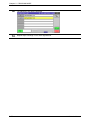
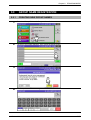
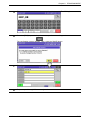
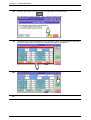
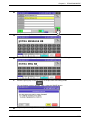
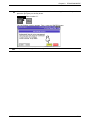
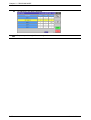
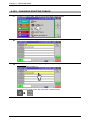
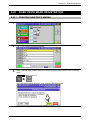
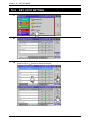
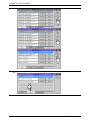
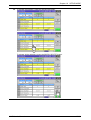
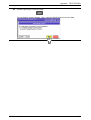
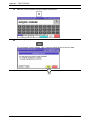
The Campaign Data List screen appears.
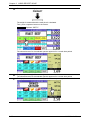
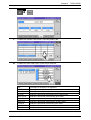
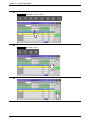
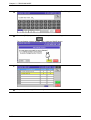
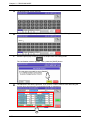
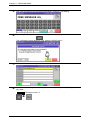
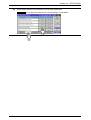
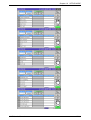
Then, press the [CALL] button again when selecting the next item.
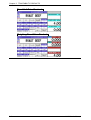
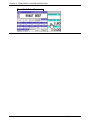
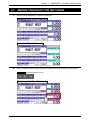
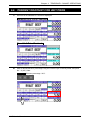
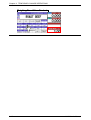
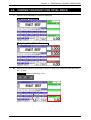
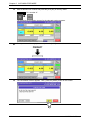
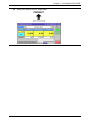
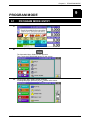
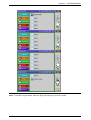
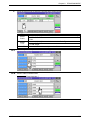
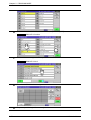
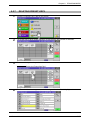
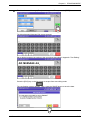
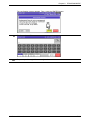
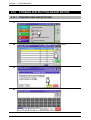
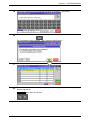
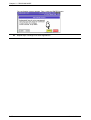
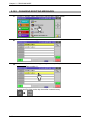
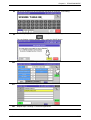
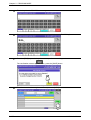
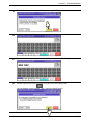
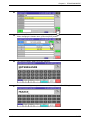
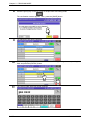
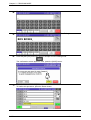
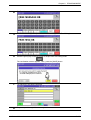
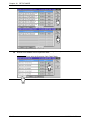
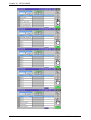
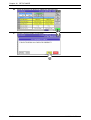
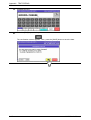
The pop-up list appears. Then, press to select a desired field.
EXAMPLE Percent discount “-%”
Uni-7 User’s Manual
9-17