1
Managing Transmission Files 19-5
You should use LIST TRANSMISSION at regular intervals to check that the
expected number of transmission files is arriving and leaving the service,
and that no problem has occurred. On a busy system, it may be necessary to
check every hour, but experience of your own system is the best guide as to
how often to check.
The two most useful qualifiers to LIST TRANSMISSION are /BRIEF and
/FULL. The /BRIEF qualifier gives you an overview of the status of the
transmission files you are currently processing. The /FULL qualifier shows
you detailed information about a specified transmission file.
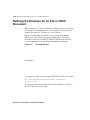
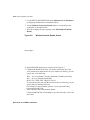
Figure 19-1
List Transmission/Brief Screen
Insert Figure...
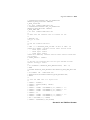
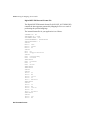
Figure 19–1 shows the screen you see when you use LIST
TRANSMISSION with the /BRIEF qualifier.
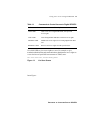
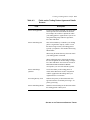
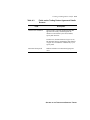
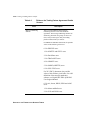
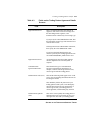
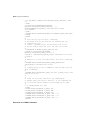
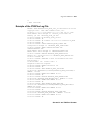
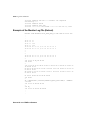
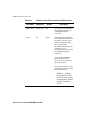
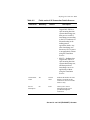
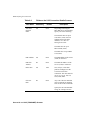
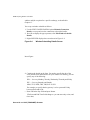
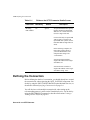
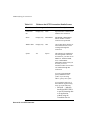
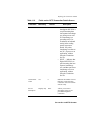
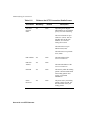
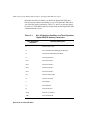
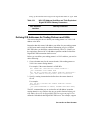
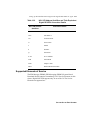
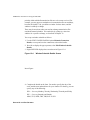
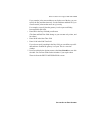
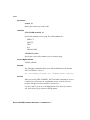
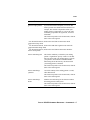
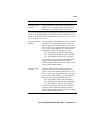
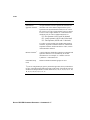
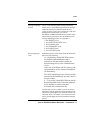
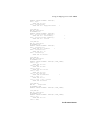
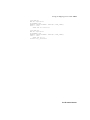
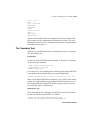
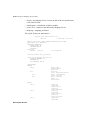
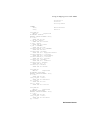
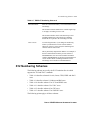
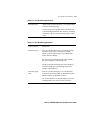
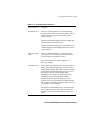
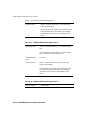
Use LIST TRANSMISSION with the /FULL qualifier if a transmission file
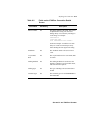
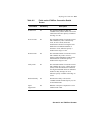
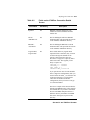
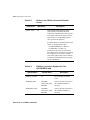
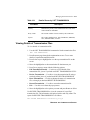
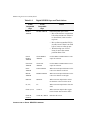
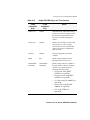
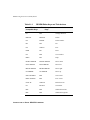
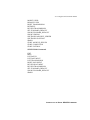
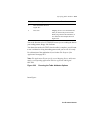
has an unexpected status, such as FAILED. Figure 19–2 and Figure 19–3
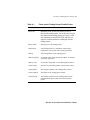
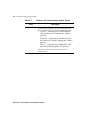
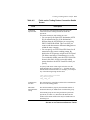
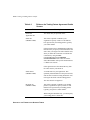
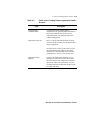
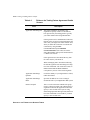
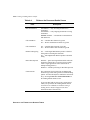
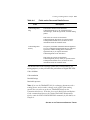
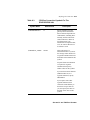
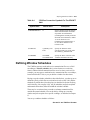
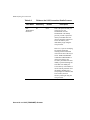
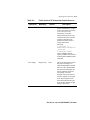
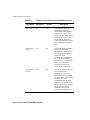
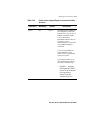
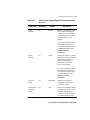
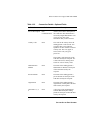
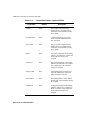
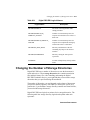
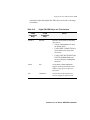
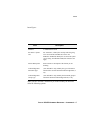
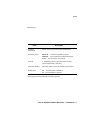
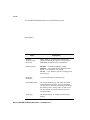
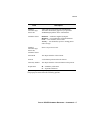
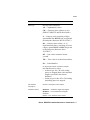
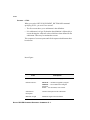
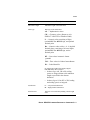
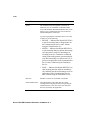
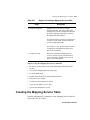
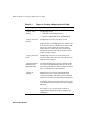
show you the screens you see if you use the /FULL qualifier and Table 19–1
describes the information that relates to the fields in Figure 19–2 and Figure
19–3.
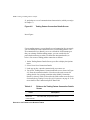
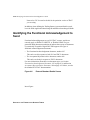
Figure 19-2
List Transmission/Full — First Screen
MANAGING THE COMMUNICATION SERVICE