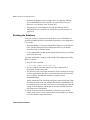
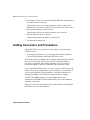
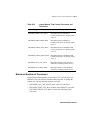
1
Defining the Connection 8-19
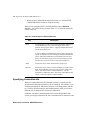
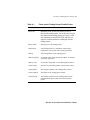
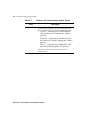
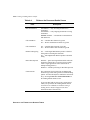
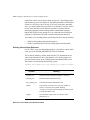
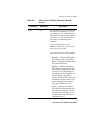
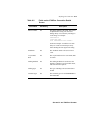
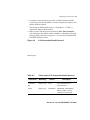
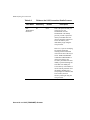
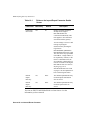
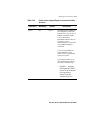
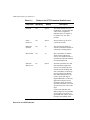
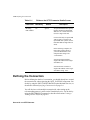
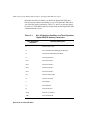
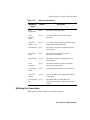
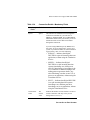
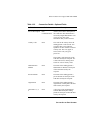
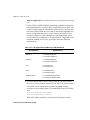
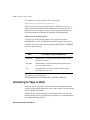
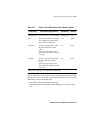
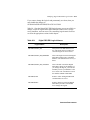
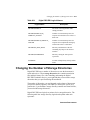
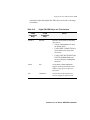
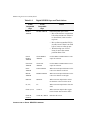
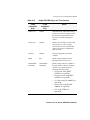
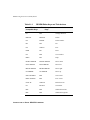
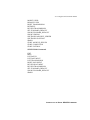
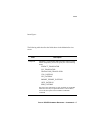
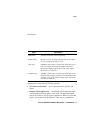
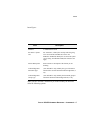
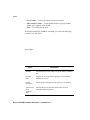
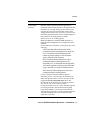
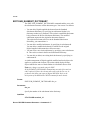
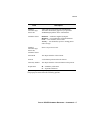
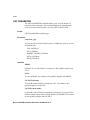
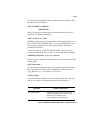
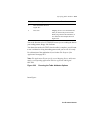
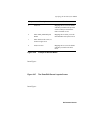
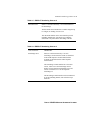
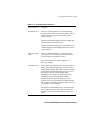
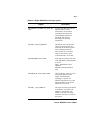
Table 8-2
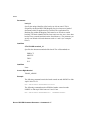
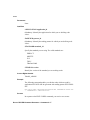
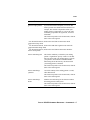
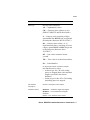
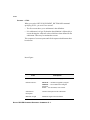
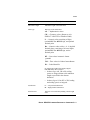
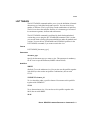
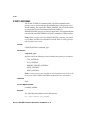
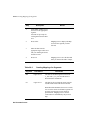
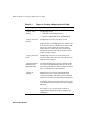
Field Name
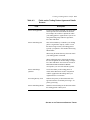
Phone Number
Fields on the 3780Plus Connection Details
Screen
Mandatory
Yes
Description
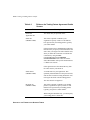
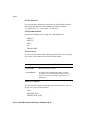
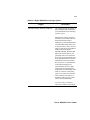
The phone number of the VAN. This can be
an alphanumeric string. You can insert
dialing delays of n seconds by inserting Tn
in the string. For example:
18005551212
1-800-555-1212
9 T5 18005551212 T10 3978110
In the last example. T5 and the T10 cause
delays of 5 and 10 seconds respectively
before dialing the next digits in the string.
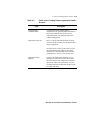
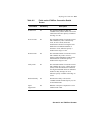
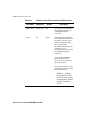
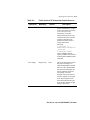
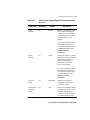
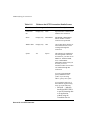
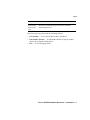
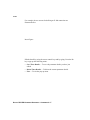
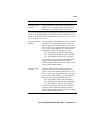
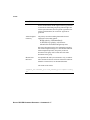
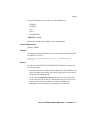
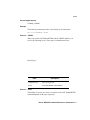
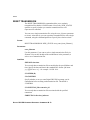
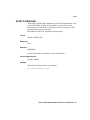
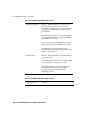
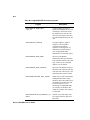
Emulation
Yes
The emulation mode to be used: 2780 or
3780.
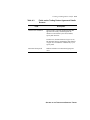
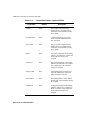
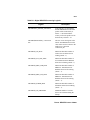
Async Baud
Rate
Yes
The Async baud rate to be used: 4800, 9600
or 19200.
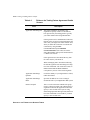
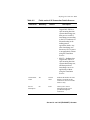
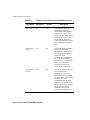
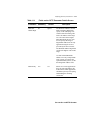
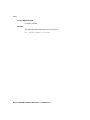
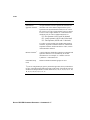
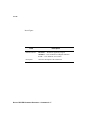
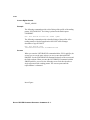
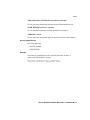
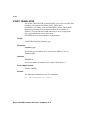
Dialing Method
Yes
The dialing method to be used. Press the
Find key to display a list of possible values,
and select the one required.
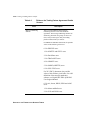
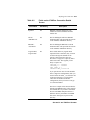
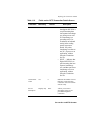
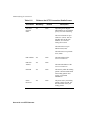
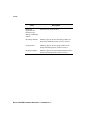
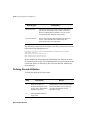
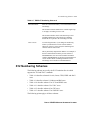
Dialing Type
Yes
The type of dialing to be used: PULSE or
TONE.
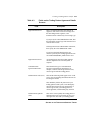
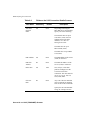
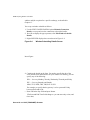
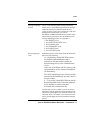
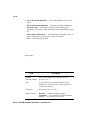
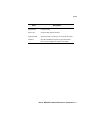
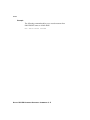
Terminal Type
Yes
The terminal type to be used: PRIMARY or
SECONDARY.
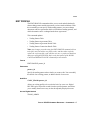
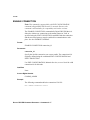
SETTING UP THE 3780PLUS GATEWAY