1
qooxdoo Documentation, Release 2.0
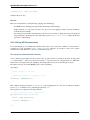
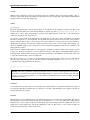
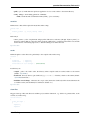
info
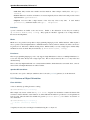
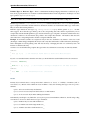
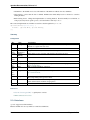
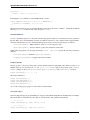
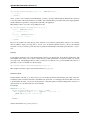
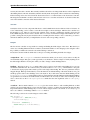
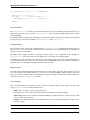
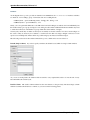
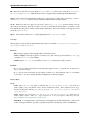
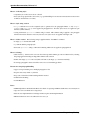
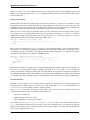
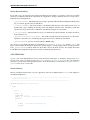
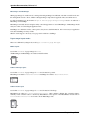
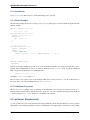
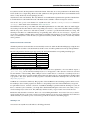
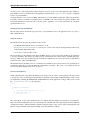
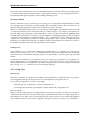
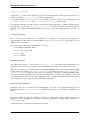
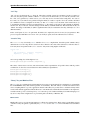
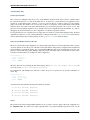
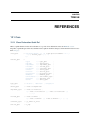
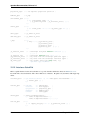
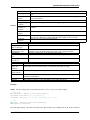
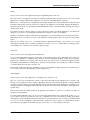
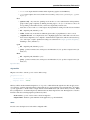
Running this job will print out various information about your setup on the console. Information includes your qooxdoo and Python version, whether source and/or build version of your app has been built, stats on the cache, asf.
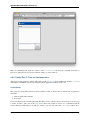
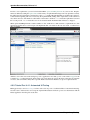
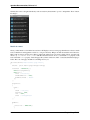
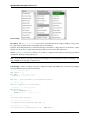
inspector
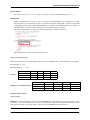
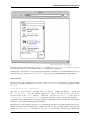
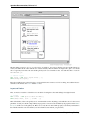
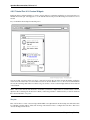
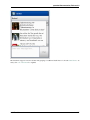
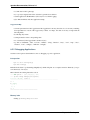
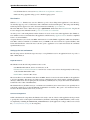
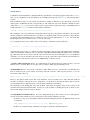
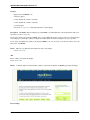
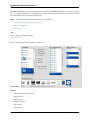
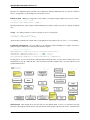
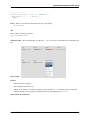
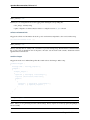
Create an instance of the Inspector in the current application. The inspector is a debugging tool that allows you to
inspect your custom application while running. You need to run the source job first, the run the inspector job. You will
then be able to open the file source/inspector.html in your browser. The source version of your application
will be loaded into the inspector automatically.
lint
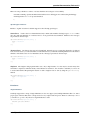
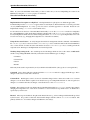
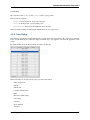
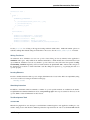
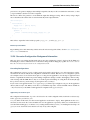
Check the source code of the .js files of the current library.
migration
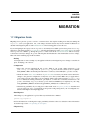
Migrate the .js files of the current library to the current qooxdoo version.
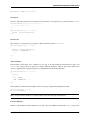
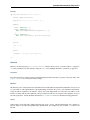
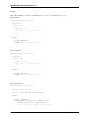
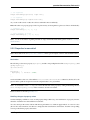
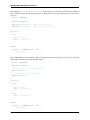
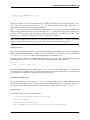
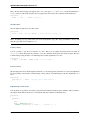
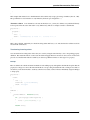
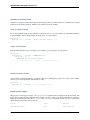
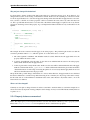
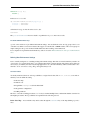
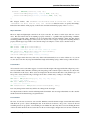
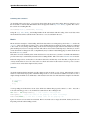
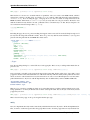
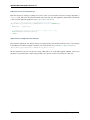
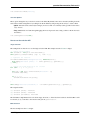
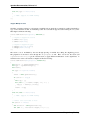
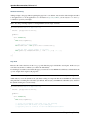
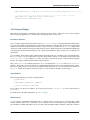
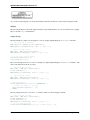
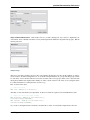
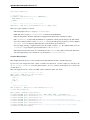
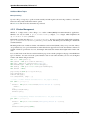
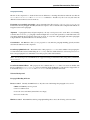
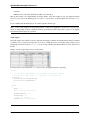
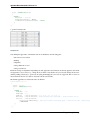
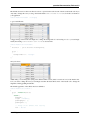
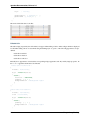
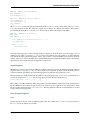
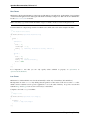
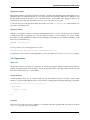
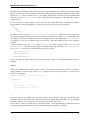
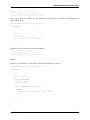
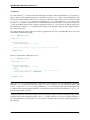
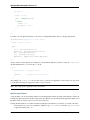
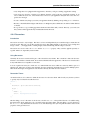
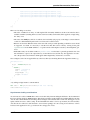
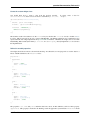
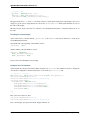
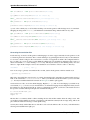
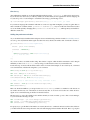
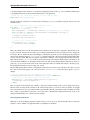
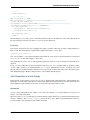
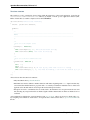
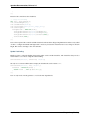
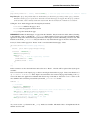
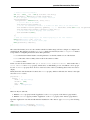
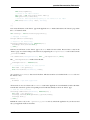
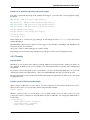
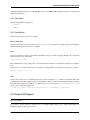
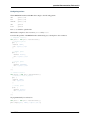
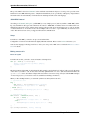
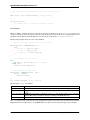
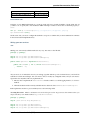
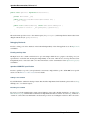
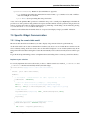
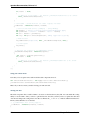
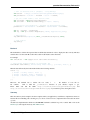
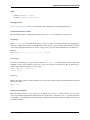
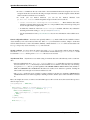
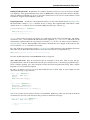
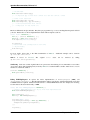
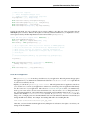
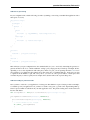
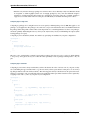
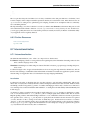
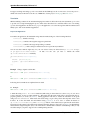
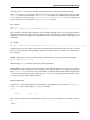
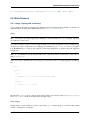
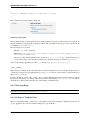
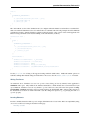
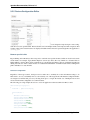
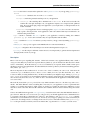
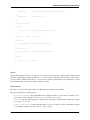
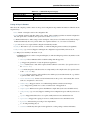
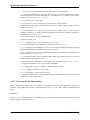
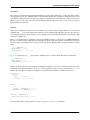
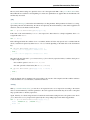
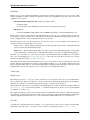
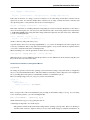
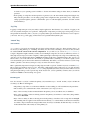
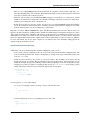
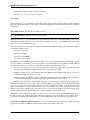
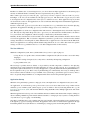
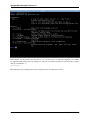
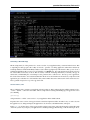
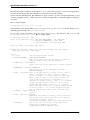
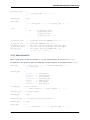
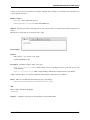
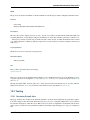
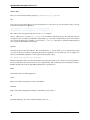
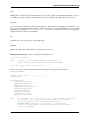
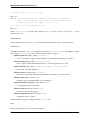
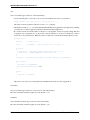
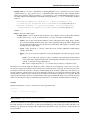
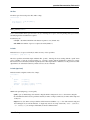
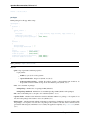
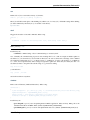
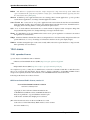
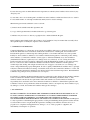
Running the migration job Here is a sample run of the migration job:
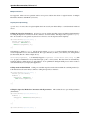
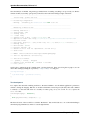
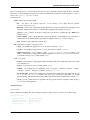
./generate.py migration
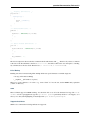
NOTE:
To apply only the necessary changes to your project, we
need to know the qooxdoo version it currently works with.
Please enter your current qooxdoo version [1.0] :
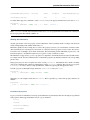
Enter your qooxdoo version or just hit return if you are using the version given in square brackets.
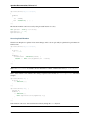
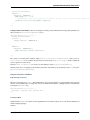
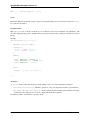
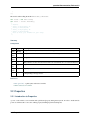
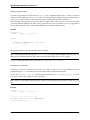
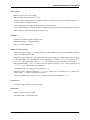
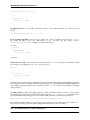
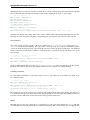
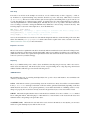
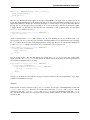
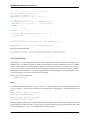
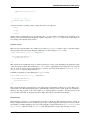
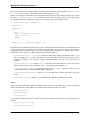
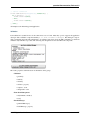
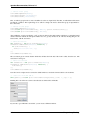
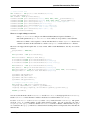
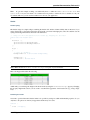
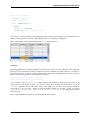
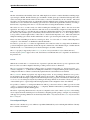
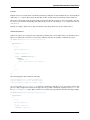
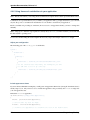
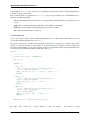
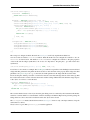
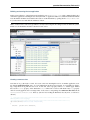
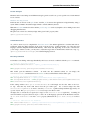
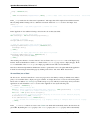
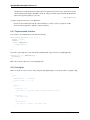
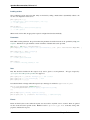
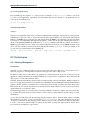
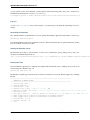
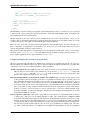
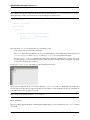
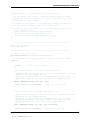
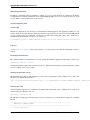
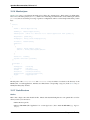
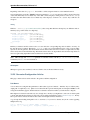
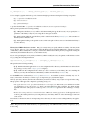
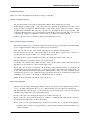
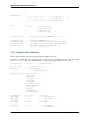
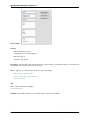
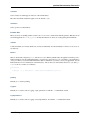
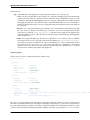
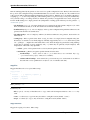
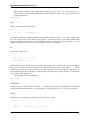
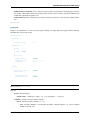
MIGRATION SUMMARY:
Current qooxdoo version:
Upgrade path:
1.0
1.0.1 -> 1.1 -> 1.2
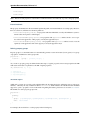
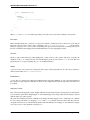
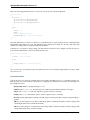
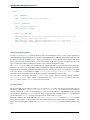
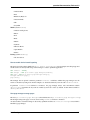
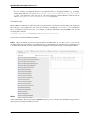
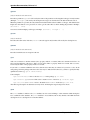
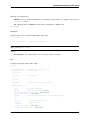
Affected Classes:
feedreader.view.Header
feedreader.view.Article
feedreader.view.Tree
feedreader.PreferenceWindow
feedreader.view.ToolBar
feedreader.FeedParser
feedreader.view.Table
feedreader.Application
feedreader.test.DemoTest
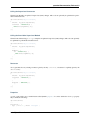
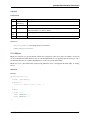
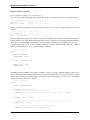
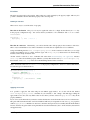
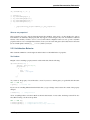
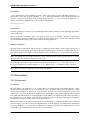
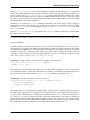
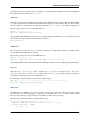
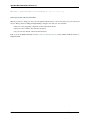
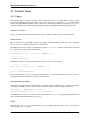
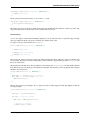
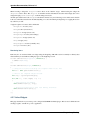
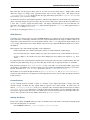
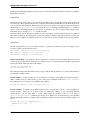
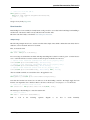
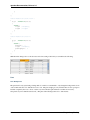
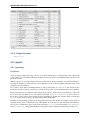
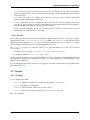
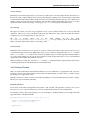
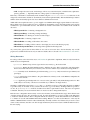
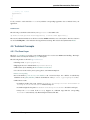
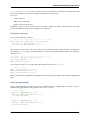
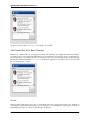
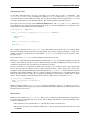
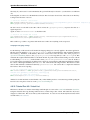
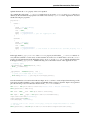
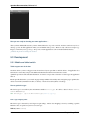
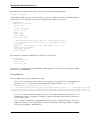
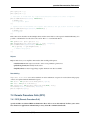
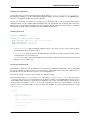
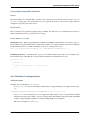
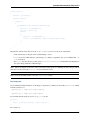
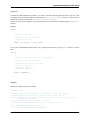
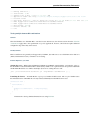
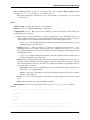
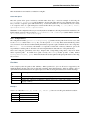
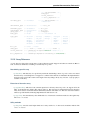
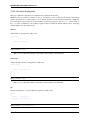
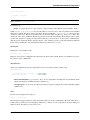
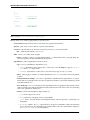
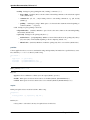
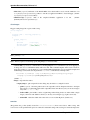
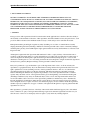
NOTE:
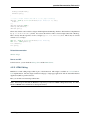
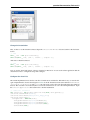
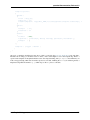
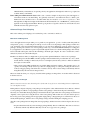
It is advised to do a ’generate.py distclean’ before migrating any files.
If you choose ’yes’, a subprocess will be invoked to run distclean,
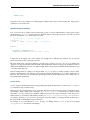
and after completion you will be prompted if you want to
continue with the migration. If you choose ’no’, the distclean
step will be skipped (which might result in potentially unnecessary
files being migrated).
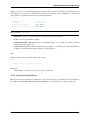
12.3. Tooling
471