1
Mac OS X: Insert
After restart, the Comcast Connection Manager will
automatically open. A High-Speed 2go box will appear
and state “Device not found”.
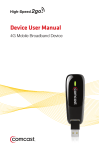
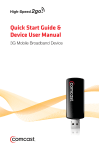
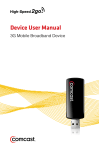
• Flip the USB plug on the Mobile Broadband device out,
and insert it into the USB port on your laptop
• Mac OS X will automatically begin device initialization
(device icon will pulsate as it searches for the network).
• Proceed to Connect.
21