1
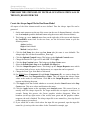
Chapter 2: Fundamentals 39
How to Get Things Done
Application Forms
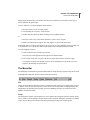
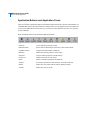
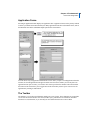
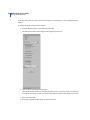
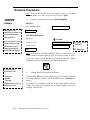
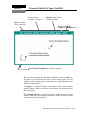
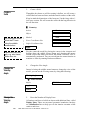
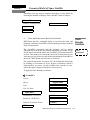
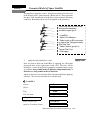
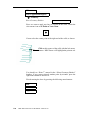
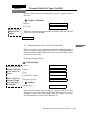
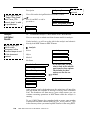
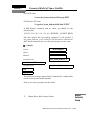
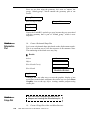
Selecting an application button displays an application form. Application forms are the primary method
to define your model and control the analysis. Many application forms have subordinate forms, such as
the Materials form and its subordinate Input Options form shown below.
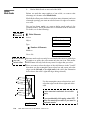
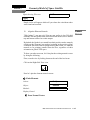
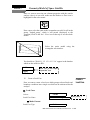
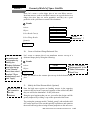
You can choose only one application radio button at a time. Once you pick a second application from the
window, the second application form appears and the first form closes. While you can only have one
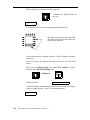
application form open at a time, you can have other forms open from the menubar. The tabs located at
the bottom of the forms allow you to toggle between the forms that you have open. You can close an
application by clicking its radio button.
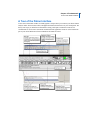
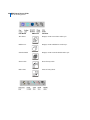
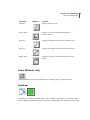
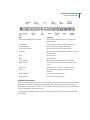
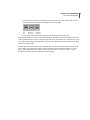
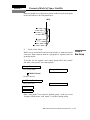
The Toolbar
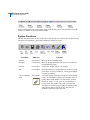
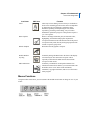
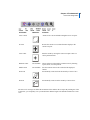
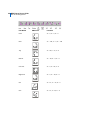
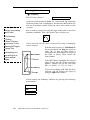
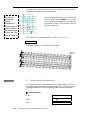
The toolbar is a set of often-used functions displayed as a row of icons. These functions are grouped into
several sets and used for model view control, render styles, predefined view orientations, and other
functions. It is customizable, so you can add your own functions and icons or remove them.