1
Pigeon Point Shelf Manager User Guide
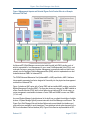
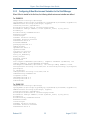
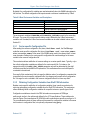
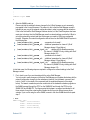
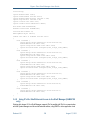
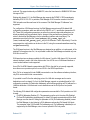
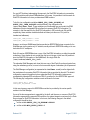
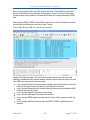
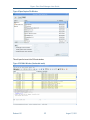
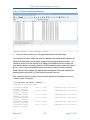
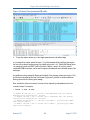
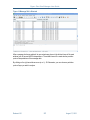
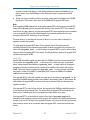
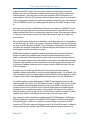
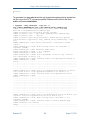
Figure 11 Collected Trace (Controlled mode)
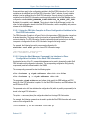
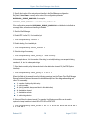
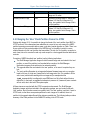
4. To stop the capture session, go to the Capture submenu and select Stop.
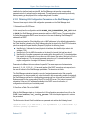
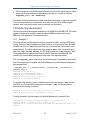
In a command-line context, redirect the output of netcat to the tshark utility instead of the
Wireshark GUI application. Like Wireshark, tshark can take the standard input option, -, to
indicate the source of the data. Specify the IP address of the ShMM and the port on which the
trace daemon listens for incoming connections (19000 by default) as input to netcat. Options –
x and -V, as in the case of unattended mode, can be used to request a hexadecimal and/or
detailed dumps of the messages. Any additional options needed for filtering and analysis of the
message stream (see section 5.4.6) should also be specified at this time.
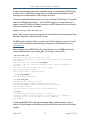
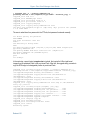
Next, execute the actions from step 5; the trace is then captured by tshark and sent to the
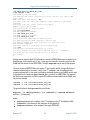
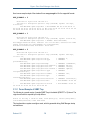
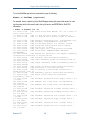
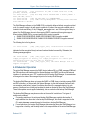
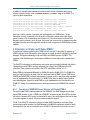
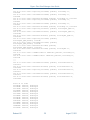
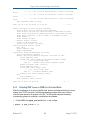
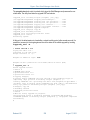
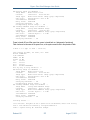
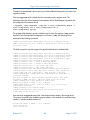
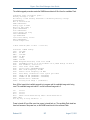
command output. For example:
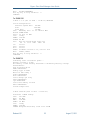
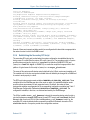
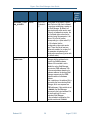
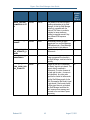
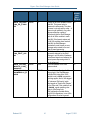
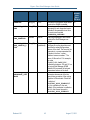
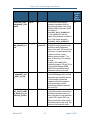
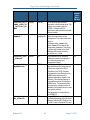
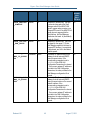
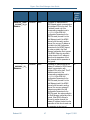
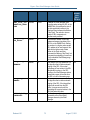
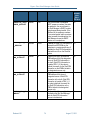
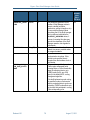
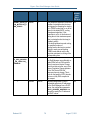
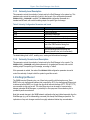
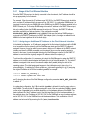
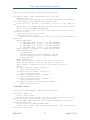
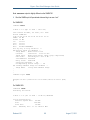
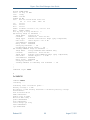
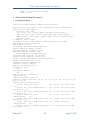
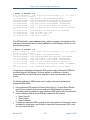
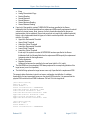
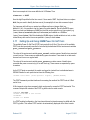
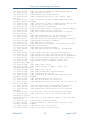
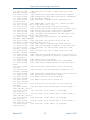
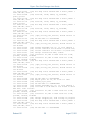
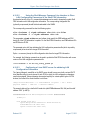
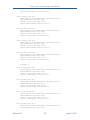
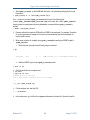
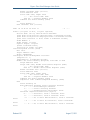
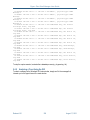
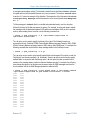
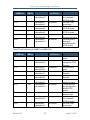
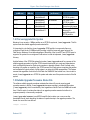
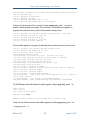
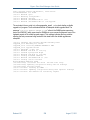
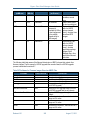
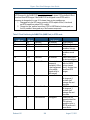
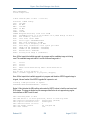
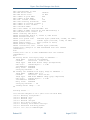
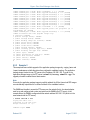
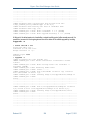
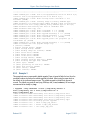
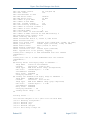
# nc 192.168.1.62 19000 | tshark –i Capturing on Standard input
1214325501.948358
Reading, seq 0x27
1214325501.999629
Reading, seq 0x27
1214325502.002796
Reading, seq 0x28
1214325502.017845
Reading, seq 0x28
1214325502.038082
Reading, seq 0x29
1214325502.038245
Reading, seq 0x29
Release 3.5.1
I2C-1 -> 0x41
IPMI/ATCA Req, Get Sensor
I2C-1 -> 0x10
IPMI/ATCA Rsp, Get Sensor
I2C-2 -> 0x41
IPMI/ATCA Req, Get Sensor
I2C-2 -> 0x10
IPMI/ATCA Rsp, Get Sensor
I2C-1 -> 0x41
IPMI/ATCA Req, Get Sensor
I2C-1 -> 0x10
IPMI/ATCA Rsp, Get Sensor
202
August 17, 2015