1
2/2010
PresencePLUS Software Tools
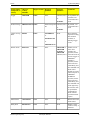
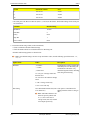
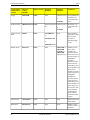
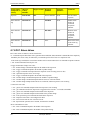
Option Name
Values
Description
End String
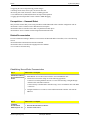
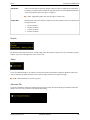
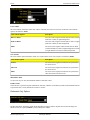
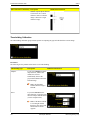
User-defined ASCII characters (limit This option is a mechanism for
of 75 characters)
adding characters after a string of
data.
Note: ASCII Hex characters are
allowed. Special symbols such
as \r, \n, and \t will cause a
carriage return, new line, and tab
to be output repsectively.
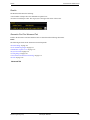
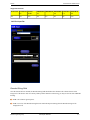
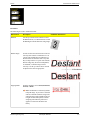
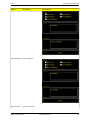
Enable Labels
Parameter labels
Check this box to add a label to the
data before the data itself. Example:
Dark Count = 3, where "Dark
Count=" is the label.
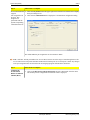
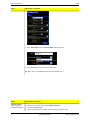
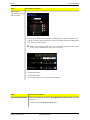
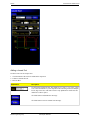
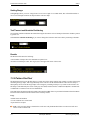
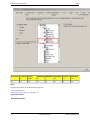
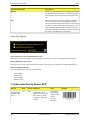
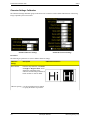
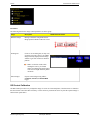
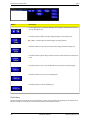
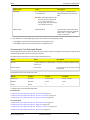
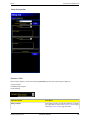
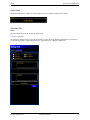
4. Set conditions for conditionally exporting the selected data (in the Output Filter field).
• Select Pass to export the selected information on a passing Test tool.
• Select Fail to export the selected information on a failing Test tool.
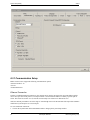
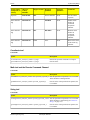
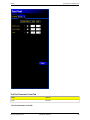
Communication Tool Exportable Results
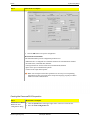
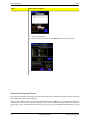
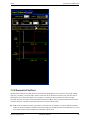
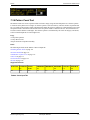
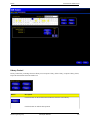
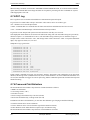
The Communication tool sends out the data in the same sequence that the tools appear in the inspection, and the result
of transmitting this data will increase the inspection time.
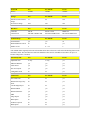
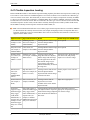
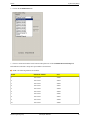
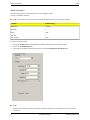
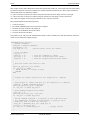
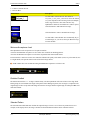
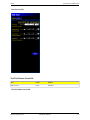
The following shows the data sent out for each Communication tool.
Result
Value
Description
Success
1 = The connection is valid, and data Checks the connection (Ethernet only).
will be sent.
Execution time
Given in ms.
Processing time for the Sensor to send
the data out.
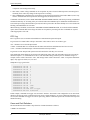
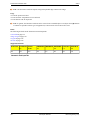
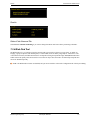
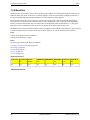
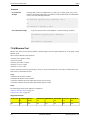
The table below shows the format of the data.
Result*
Number
Format
Example
Point (X,Y)
Decimal
(0.00, 00.00)
(23.41, 156.52)
Distance
Decimal
00.00
99.00
Count
Whole
0
4
* Available data is tool and model-dependent.
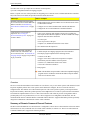
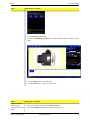
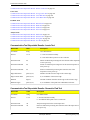
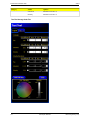
Location Tools
• Communication Tool Exportable Results: Locate Tool on page 254
• Communication Tool Exportable Results: Geometric Find Tool on page 254
• Communication Tool Exportable Results: Pattern Find Tool on page 255
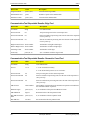
Gray Scale Tools
• Communication Tool Exportable Results: Blob Detect Tool on page 255
• Communication Tool Exportable Results: Edge Tool on page 256
• Communication Tool Exportable Results: Geometric Count Tool on page 256
• Communication Tool Exportable Results: Object Tool on page 257
Banner Engineering Corp.
Minneapolis, MN USA
253