1
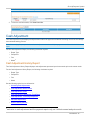
Give-Up Payment System
Requesting Access to Give-Up Payment System (GPS)
Access to GPS is granted through written request from an officer of the clearing member firm. In addition users must have a
SMART Click profile to associate with their GPS account.
To request access to the Give-Up Payment Sytem:
1. Download the Member Firm On-Line System Access Request Form: http://www.cmegroup.com/clearing/files/onlineaccess.pdf
2. Complete the form and ensure that it is signed by an officer of the clearing member firm.
3. Fax the form to the Customer Support Group at (312) 338-2626.
4. Allow 48 hours to process the request.
Change User Contact Information
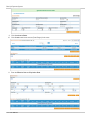
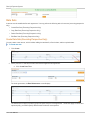
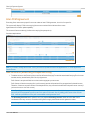
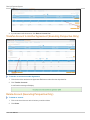
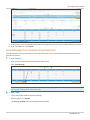
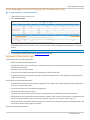
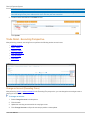
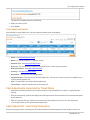
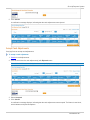
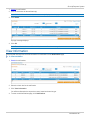
You may enter or update your contact information on the "Update Contact Info" page.
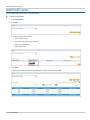
To change your user contact information:
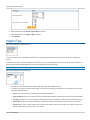
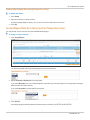
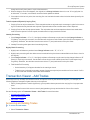
1. Point to the Administration tab.
2. Point to My GPS.
3. Click Update Contact Info.
4. Make any necessary changes.
5. Click Save.
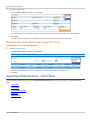
Note: This contact information will be available to other GPS users.
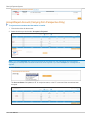
My Preferences
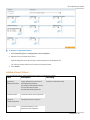
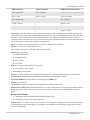
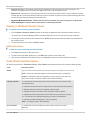
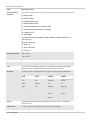
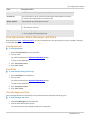
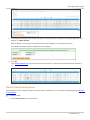
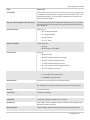
Using the My Preferences function, users can specify the default start page and number of agreements, rates, accounts to
appear.
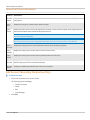
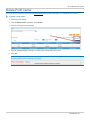
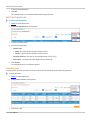
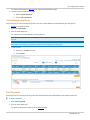
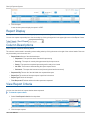
To change your user preferences:
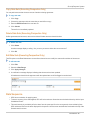
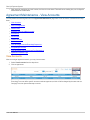
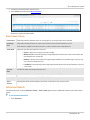
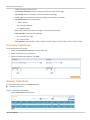
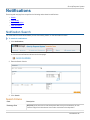
1. From the to the Administration tab, move the mouse pointer over My GPS.
2. Click My Preferences.
User Manual - 10 -