1
Table of Contents
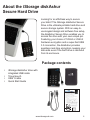
About the iStorage diskAshur Secure Hard Drive 4
4
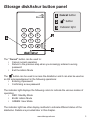
iStorage diskAshur button panel 5
iStorage diskAshur - Getting Started 6
6
6
7
7
7
Using the iStorage diskAshur 8
8
8
8
9
9
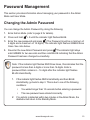
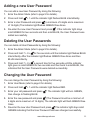
Package contents Before you begin Connecting the diskAshur Connecting the diskAshur with USB Y-Cable How do I use the diskAshur the first time? What if I forget the User Password? Entering the Standby Mode Entering the User Mode Exiting the User Mode Entering the Admin Mode Exiting the Admin Mode Password Management 10
10
11
11
11
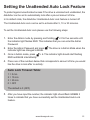
Setting the Unattended Auto Lock Feature 12
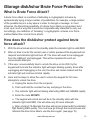
iStorage diskAshur Brute Force Protection 13
13
13
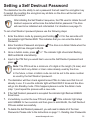
Setting a Self Destruct Password 14
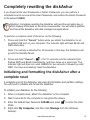
Completely resetting the diskAshur 15
15
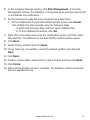
Changing the Admin Password Adding a new User Password Deleting the User Passwords Changing the User Password What is Brute Force Attack? How does the diskAshur protect against brute force attack? Initializing and formatting the diskAshur after a complete reset