1
120
Martin Show Designer Help
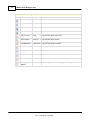
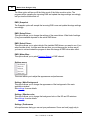
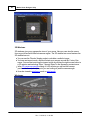
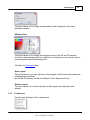
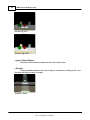
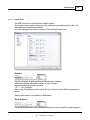
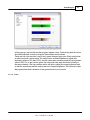
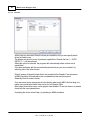
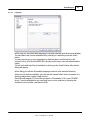
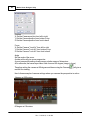
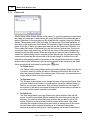
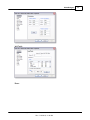
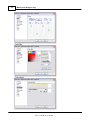
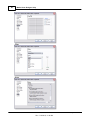
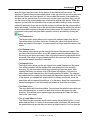
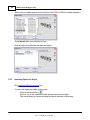
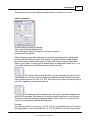
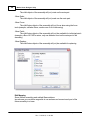
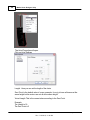
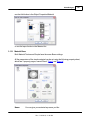
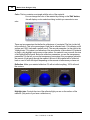
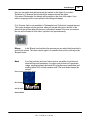
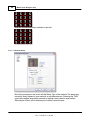
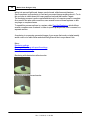
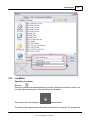
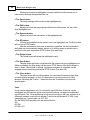
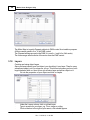
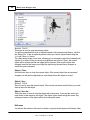
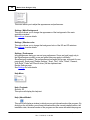
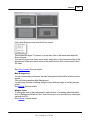
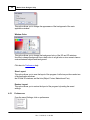
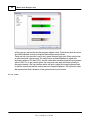
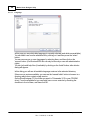
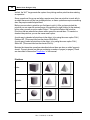
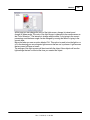
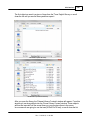
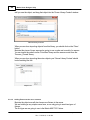
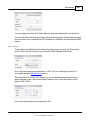
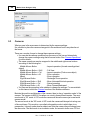
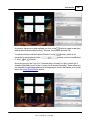
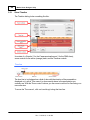
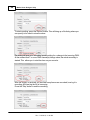
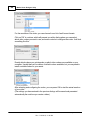
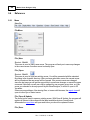
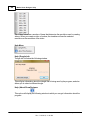
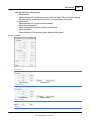
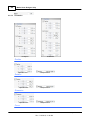
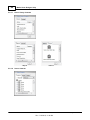
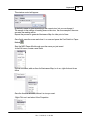
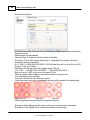
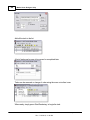
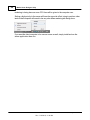
Color: This box contains a rectangle with the color of the material.
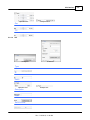
You can change the color of the material by clicking on the 'Edit' button;
this will display a color selection dialog in which you can select a new
color.
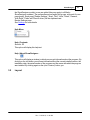
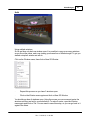
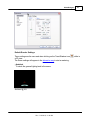
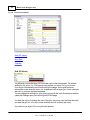
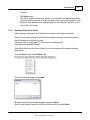
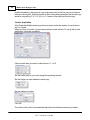
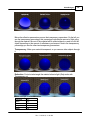
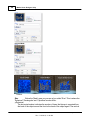
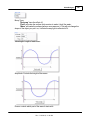
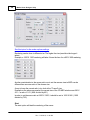
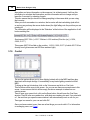
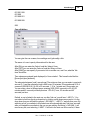
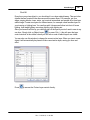
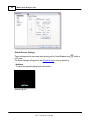
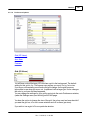
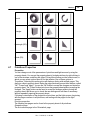
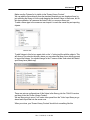
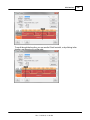
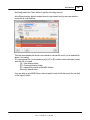
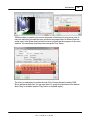
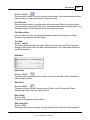
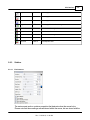
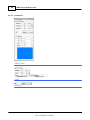
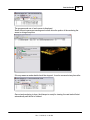
There are two parameters that define the reflectance of a material. The first (on the left)
is the reflection. This is the percentage of light that is reflected back. 0% indicates a dull
surface and 100% indicated a perfect mirror. The second parameter (on the right) is the
'Highlight size'. This value is an indication of the smoothness of the material. If a material
is rough, a big highlight can be seen on the surface. If a material is very smooth, the size
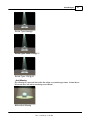
of the highlight will be small. Below the reflection parameters you see the transparency
parameters. On the left you see the transparency percentage, this percentage indicates
the amount of light going through the material, the rest of the material will be reflected
back or used to color the object depending on the amount of reflectance you have set.
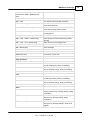
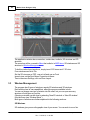
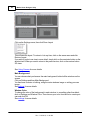
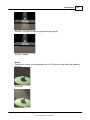
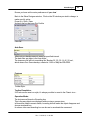
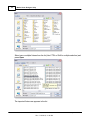
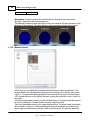
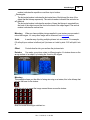
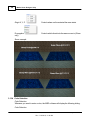
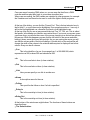
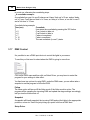
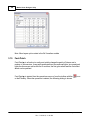
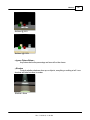
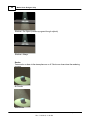
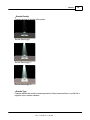
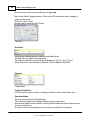
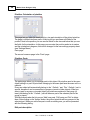
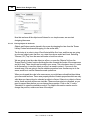
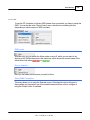
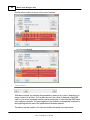
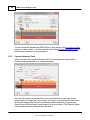
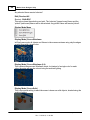
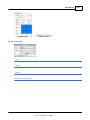
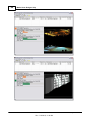
Reflection: Make your material reflective. 0% will not reflect anything, 100% will work
like a mirror.
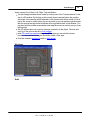
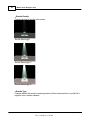
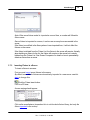
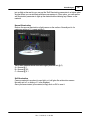
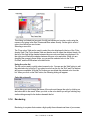
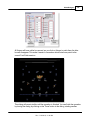
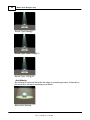
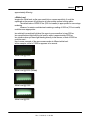
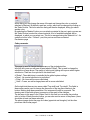
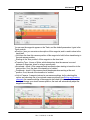
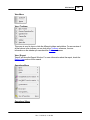
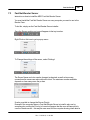
Highlight size: Controls the size of the reflected light you see on the surface of the
material. (Only works if you have a reflection on)
© 2015 Martin Professional A/S, Lighthouse Holland
Rev.: 7/10/2015, 11:49 AM