1
Parent topic: Printing from a Camera
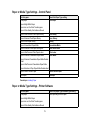
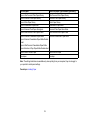
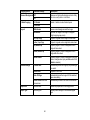
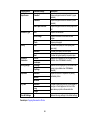
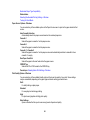
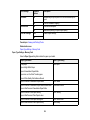
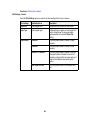
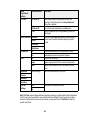
Print Settings - Camera
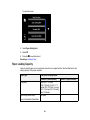
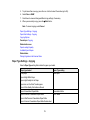
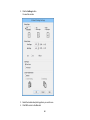
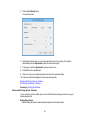
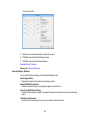
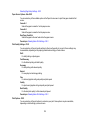
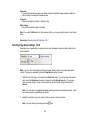
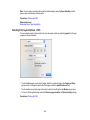
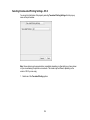
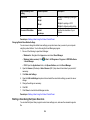
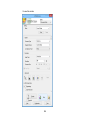
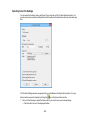
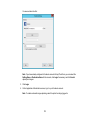
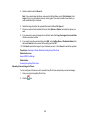
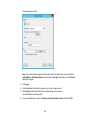
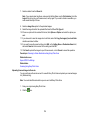
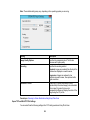
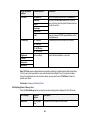
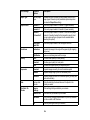
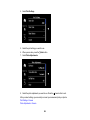
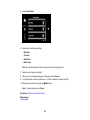
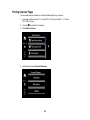
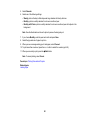
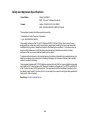
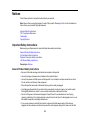
Select the Print Settings options you want to use when printing photos from your camera.
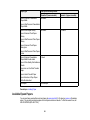
Print settings
Available options
Description
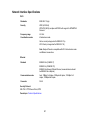
Paper Size
Various paper sizes
Indicates the size of paper you have loaded
Paper Type
Various paper types
Indicates the type of paper you have loaded; see
the list of paper types for copying (available
options depend on the selected Paper Size
setting)
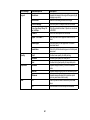
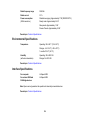
Paper Source
Cassette 1
Prints onto paper loaded in Cassette 1 (upper
cassette)
Cassette 2
Prints onto paper loaded in Cassette 2 (lower
cassette)
Cassette 1> Cassette 2
Prints onto paper loaded in Cassette 1 and then
onto paper loaded in Cassette 2 when the first
cassette is empty (load the same size and type of
paper in both cassettes when selecting this
option)
Rear Paper Feed Slot
Prints onto paper loaded in the rear paper feed
slot
206