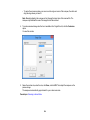
1
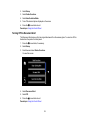
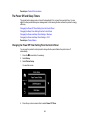
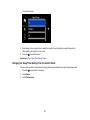
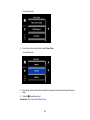
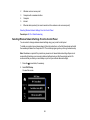
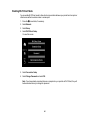
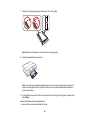
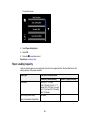
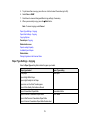
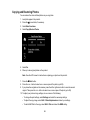
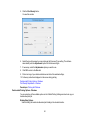
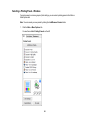
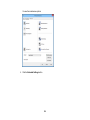
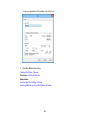
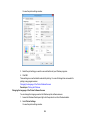
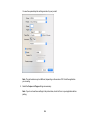
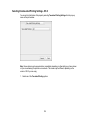
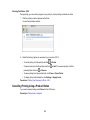
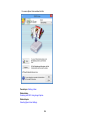
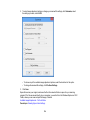
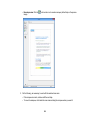
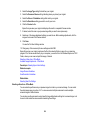
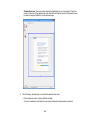
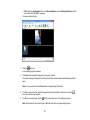
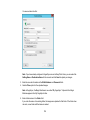
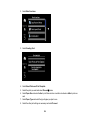
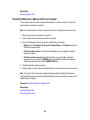
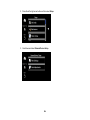
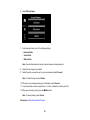
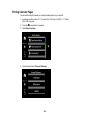
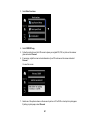
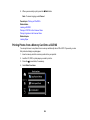
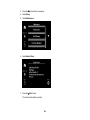
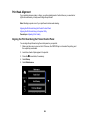
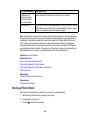
6. Select Print Head Alignment.
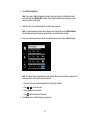
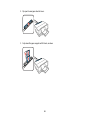
7. Press the
Start button to print an alignment sheet.
Note: Do not cancel printing while you are printing a head alignment pattern.
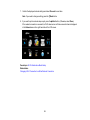
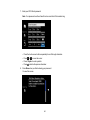
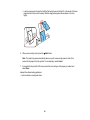
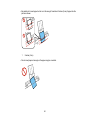
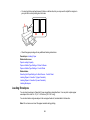
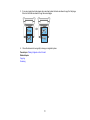
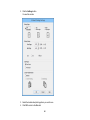
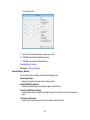
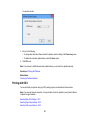
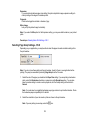
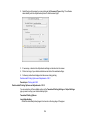
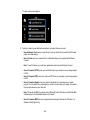
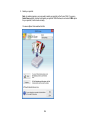
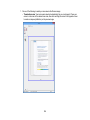
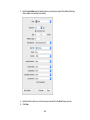
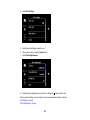
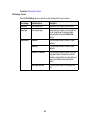
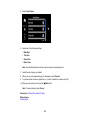
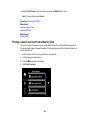
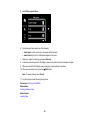
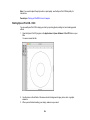
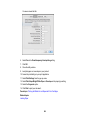
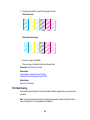
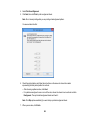
8. Check the printed pattern and select the number representing the best printed pattern for each set.
9. Select Done when you are finished.
Parent topic: Print Head Alignment
Related tasks
Loading Paper in Cassette 2 (Lower Cassette)
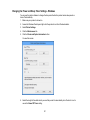
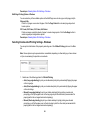
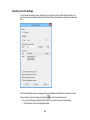
Aligning the Print Head Using a Computer Utility
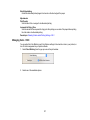
You can align the print head using a utility on your Windows or Mac computer.
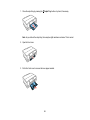
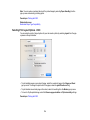
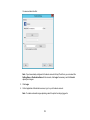
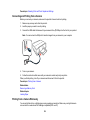
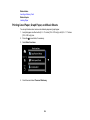
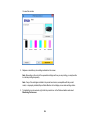
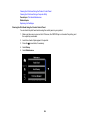
1. Make sure the CD/DVD tray is not inserted for printing. Make sure there are no errors on the LCD
screen, the CD/DVD tray is not inserted for printing, and the output tray is extended.
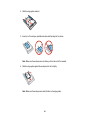
2. Load a few sheets of plain paper in the product.
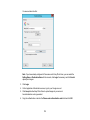
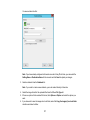
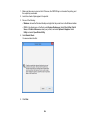
3. Do one of the following:
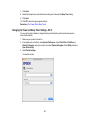
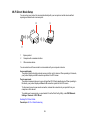
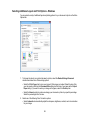
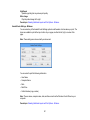
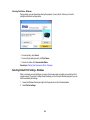
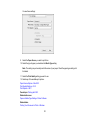
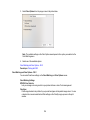
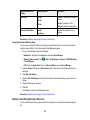
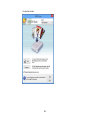
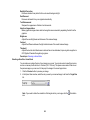
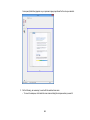
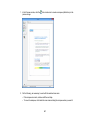
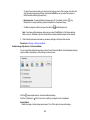
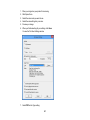
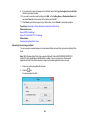
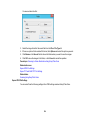
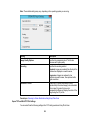
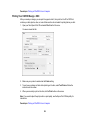
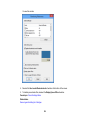
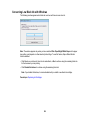
• Windows: Access the Windows Desktop and right-click the product icon in the Windows taskbar.
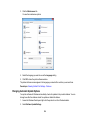
• OS X: In the Apple menu or the Dock, select System Preferences. Select Print & Fax, Print &
Scan, or Printers & Scanners, select your product, and select Options & Supplies. Select
Utility and select Open Printer Utility.
261