1
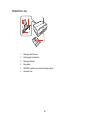
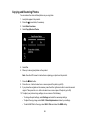
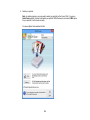
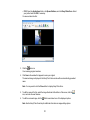
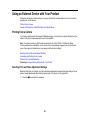
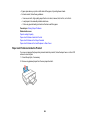
1. Place your original on your product for scanning.
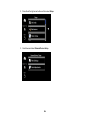
2. Start Epson Scan.
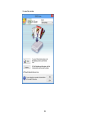
3. Select the scan mode you want to use.
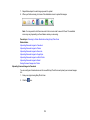
4. Select the scan settings for your scan.
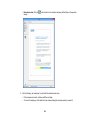
5. Preview your image.
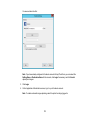
6. When you finish selecting all your settings, click Scan.
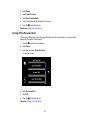
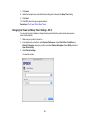
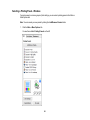
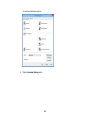
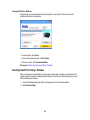
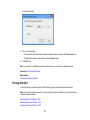
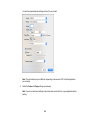
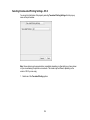
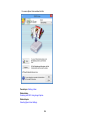
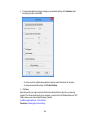
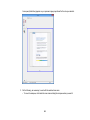
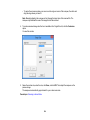
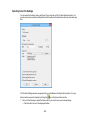
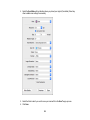
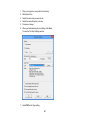
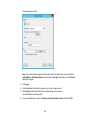
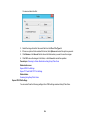
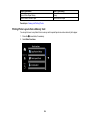
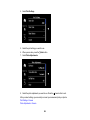
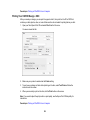
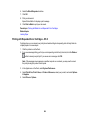
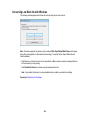
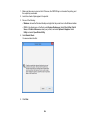
You see the File Save Settings window.
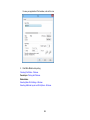
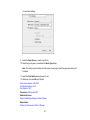
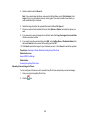
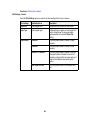
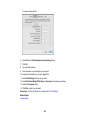
7. Select PDF as the Type setting.
167