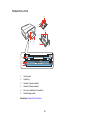
1
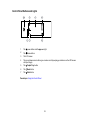
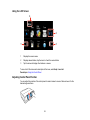
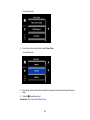
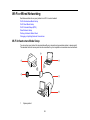
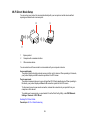
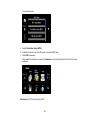
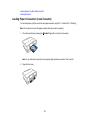
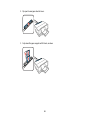
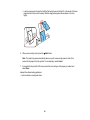
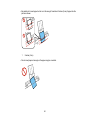
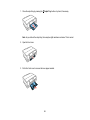
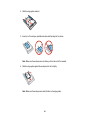
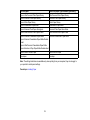
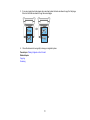
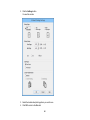
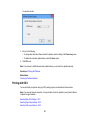
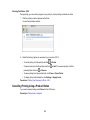
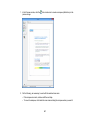
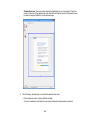
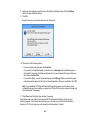
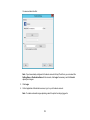
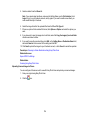
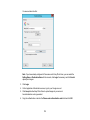
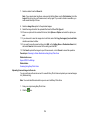
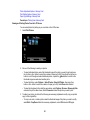
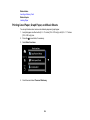
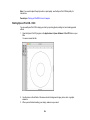
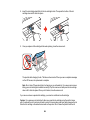
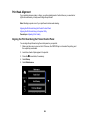
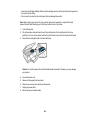
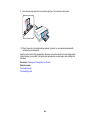
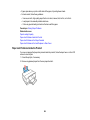
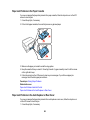
Note: The control panel rises and the output tray slides out automatically when printing starts.
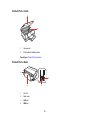
Parent topic: Using the Control Panel
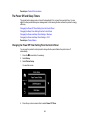
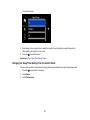
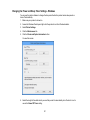
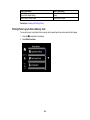
Changing LCD Screen Language
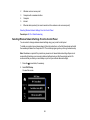
You can change the language used on the LCD screen.
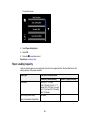
1. Press the
home button, if necessary.
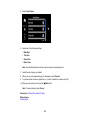
2. Select Setup.
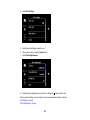
3. Scroll down and select Basic Setup.
4. Select Language.
5. Select a language.
6. Press the
home button to exit.
Parent topic: Using the Control Panel
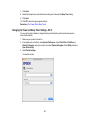
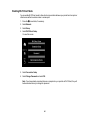
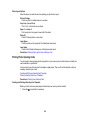
Turning Off Control Panel Sounds
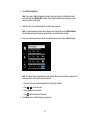
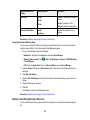
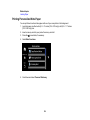
You can turn off the sound heard when you press buttons on the control panel.
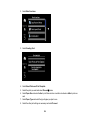
1. Press the
home button, if necessary.
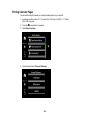
2. Select Setup.
3. Select Printer Setup.
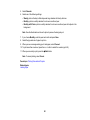
4. Select Sound.
5. Select Button Press.
6. Select the Off setting.
7. Press the
home button to exit.
Parent topic: Using the Control Panel
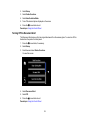
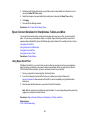
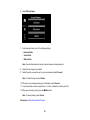
Turning Off Auto Selection Mode
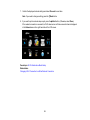
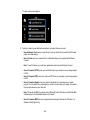
Auto Selection Mode changes the menu options on the LCD screen automatically depending on the
action you perform. For instance, loading a memory card displays memory card-related menu options on
the screen. You can turn off this feature from the control panel.
1. Press the
home button, if necessary.
17