1
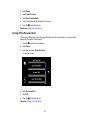
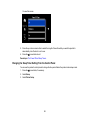
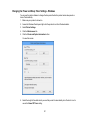
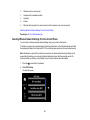
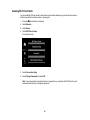
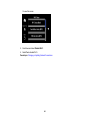
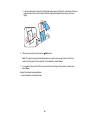
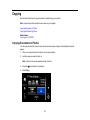
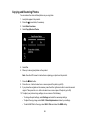
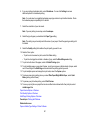
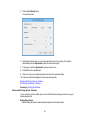
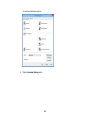
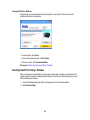
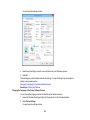
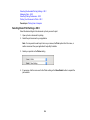
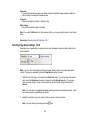
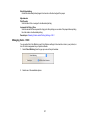
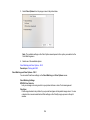
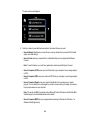
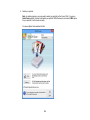
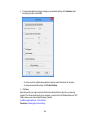
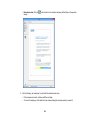
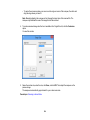
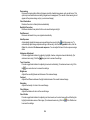
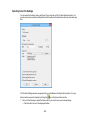
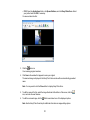
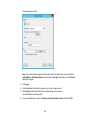
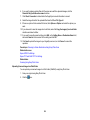
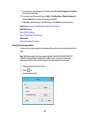
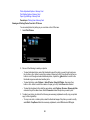
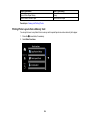
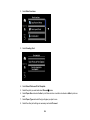
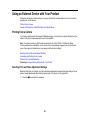
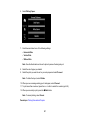
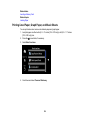
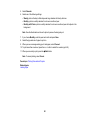
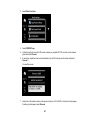
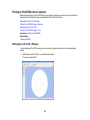
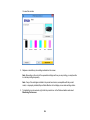
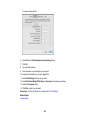
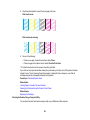
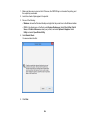
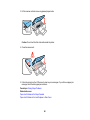
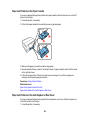
You see this screen:
4. Press the up or down arrow button to select Sleep Timer.
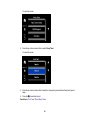
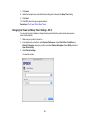
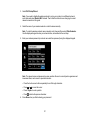
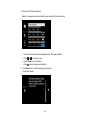
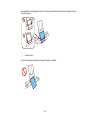
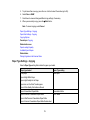
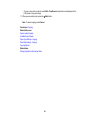
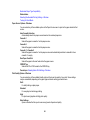
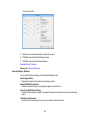
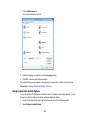
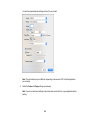
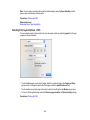
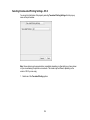
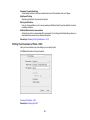
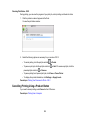
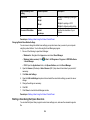
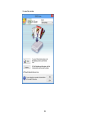
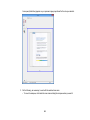
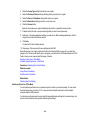
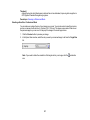
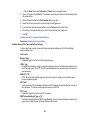
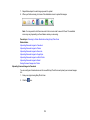
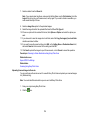
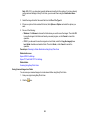
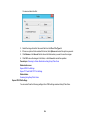
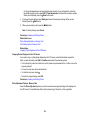
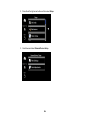
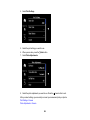
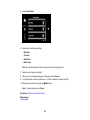
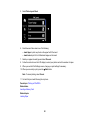
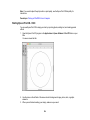
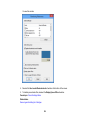
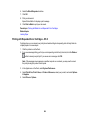
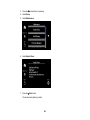
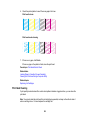
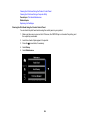
You see this screen:
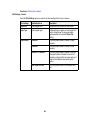
5. Press the up or down arrow button to select the time period you want before the product goes to
sleep.
6. Press the
home button to exit.
Parent topic: The Power Off and Sleep Timers
26